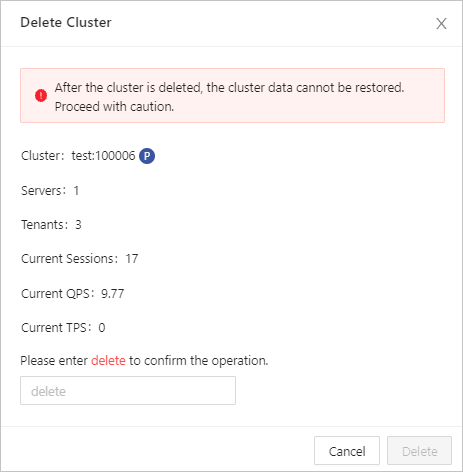
You can delete an OceanBase cluster as needed.
Prerequisite
Make sure that you have the following permissions:
- Resource Permissions: Cluster Management permission
- Menu Permissions: Permission on the Overview menu of Clusters
Procedure
Log on to the OceanBase Cloud Platform (OCP) console.
In the left-side navigation pane, click Clusters.
In the Clusters list, find the target cluster and click its name.
In the upper-right corner of the Overview page, click the More icon, and select Delete Cluster .
In the Delete Cluster dialog box, enter the word "delete" and click Delete .