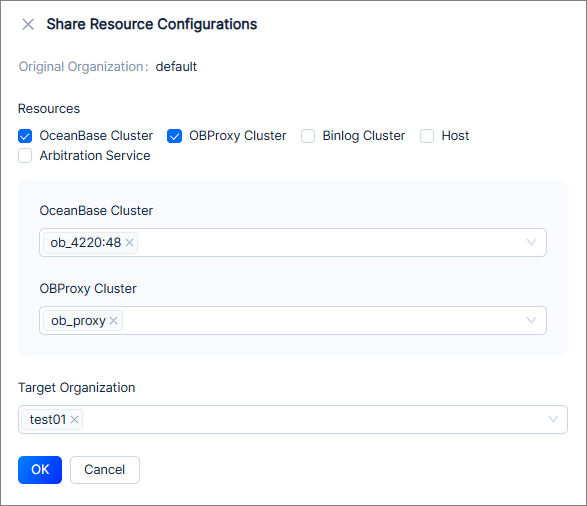
This topic describes how to share the resource configurations of one organization with another. After you share a resource, both the original and target organizations have permissions on the shared resource.
Notice
After resource sharing, newly added resources belong to only the original organization and will not be synchronized to the target organization with which the resource is shared.
Prerequisites
You have logged in to the OceanBase Cloud Platform (OCP) console and been assigned the ADMIN role.
Procedure
Log in to the OCP console.
In the left-side navigation pane, choose System Management > User Management.
Click Organization to go to the Organization tab.
Find the target organization with which you want to share a resource, click More in the Actions column, and select Share Resource Configurations.
Go to the Share Resource Configurations panel.
Select at least one type of resource for sharing.
Select one or more target organizations for resource shoring.
Click OK.