







F5 BIG-IP Local Traffic Manager (LTM) is an application traffic management system. OBProxy and OCP-Console are connected to F5 BIG-IP LTM to achieve OCP load balancing.
With the Layer 7 configuration function of F5 BIG-IP LTM, you can configure the external service port of OCP-Console. If the Type parameter in the Layer 7 mode is set to Standard, you must configure Source Address Affinity to keep sessions alive based on their source address. Otherwise, page access from the same IP may experience interruption.
Prerequisites
F5 BIG-IP LTM has been configured and its license has been activated.
The IP address of F5 BIG-IP LTM has been verified.
The IP address and port number of the OCP-Console server have been verified.
Procedure
Use the user name and password of OCP to log on to F5 BIG-IP LTM.
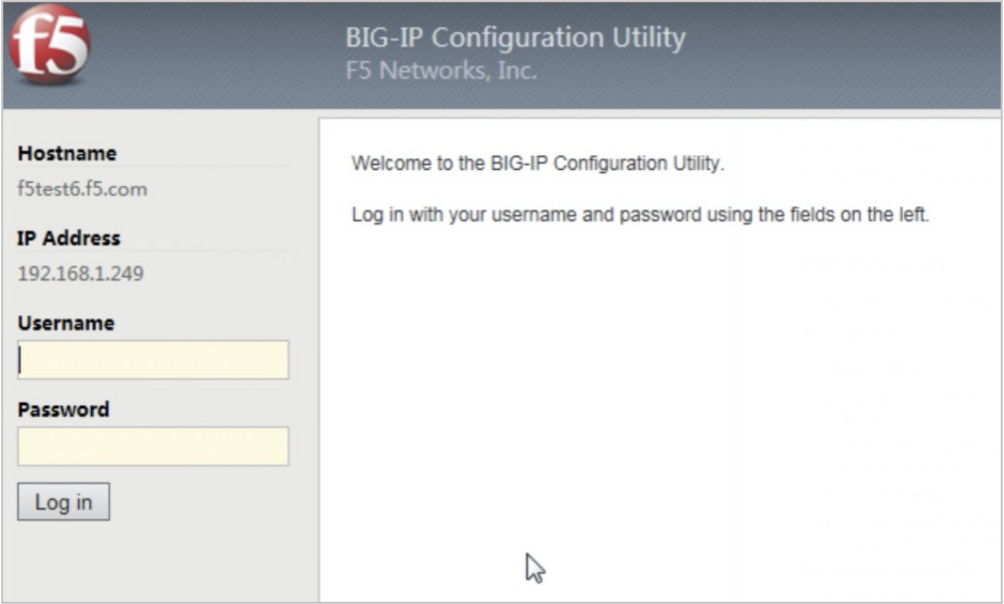
Create a pool :
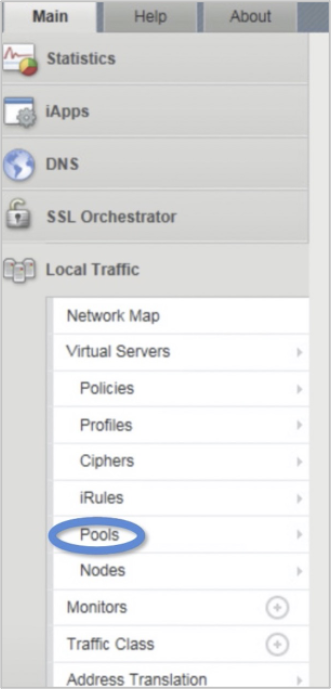
Choose Local Traffic > Pools and click + to create a pool.
On the drop-down page, select New Node and set Address and Service Port to the IP address and port number of the OCP-Console server, respectively.
Click Finished .
Choose Local Traffic > Pools > Pool List . Verify that green icons are displayed in the Status column of all members. This indicates that the pool is created.
Choose Local Traffic > Profiles > Persistence > Add and add a profile.
Parent Profile : select source_addr.
Timeout : we recommend that you enter 3600 seconds.
Choose Local Traffic > Profiles > TCP > Add and add a profile.
Parent Profile : select tcp.
Idle Timeout : we recommend that you enter 1800 seconds.
Choose Local Traffic > Virtual Servers and add a server.
Set the following parameters on the drop-down page.
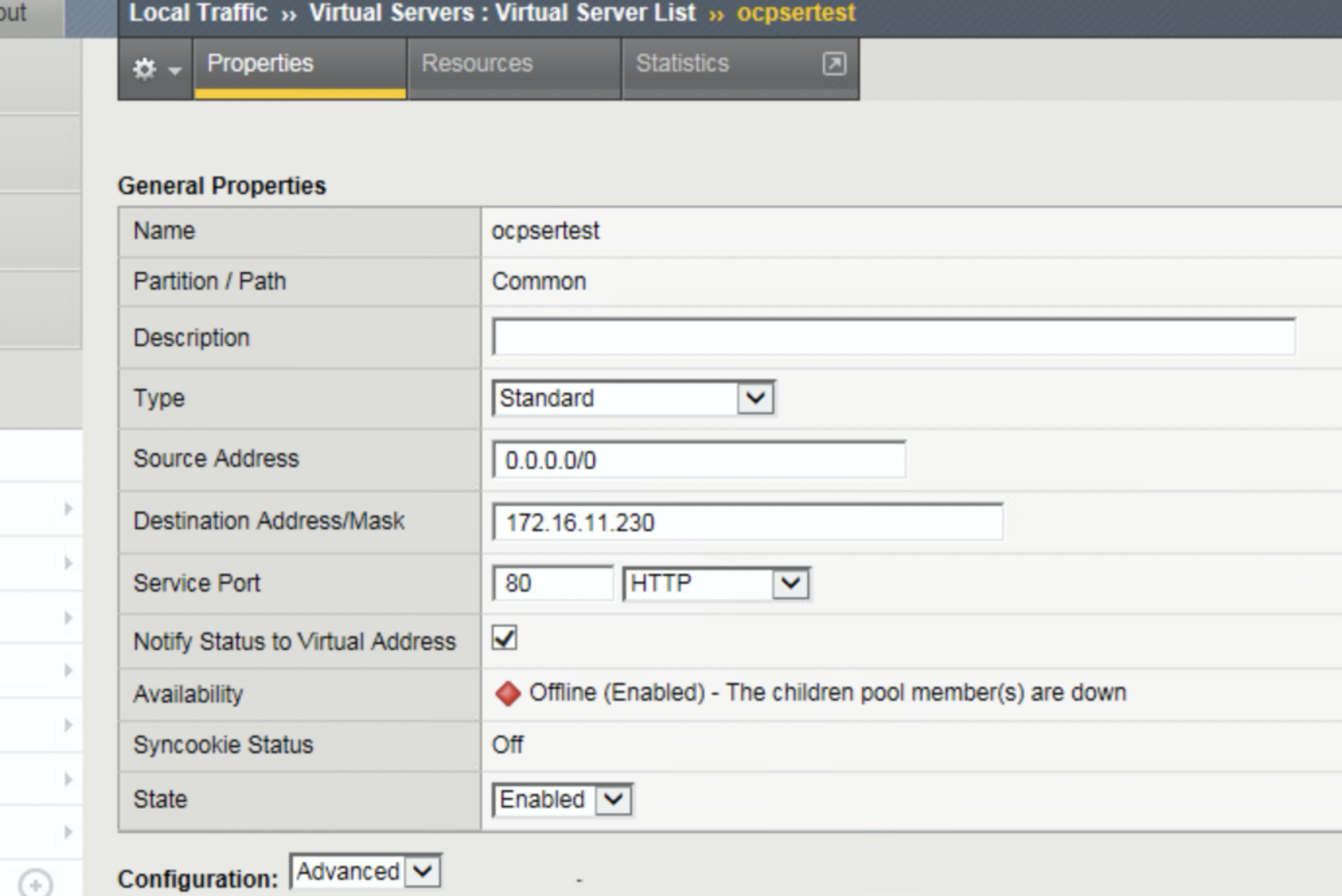 ParameterDescription
Source Address Set this parameter to xxx.xxx.xxx.xxx/0.Destination Address/Mask Set this parameter to the virtual IP address or self IP address of F5 BIG-IP LTM, for example, xxx.xxx.xxx.xxx. Type Set this parameter to Standard. Service Port Set this parameter to a user-defined port number. Protocol Profile (Client) Select the profile that is added in step 4. Default Persistence Profile Select the profile that is added in step 3. Set the Source Address Translation parameter to Auto Map for the profiles that are added in steps 3 and 4.
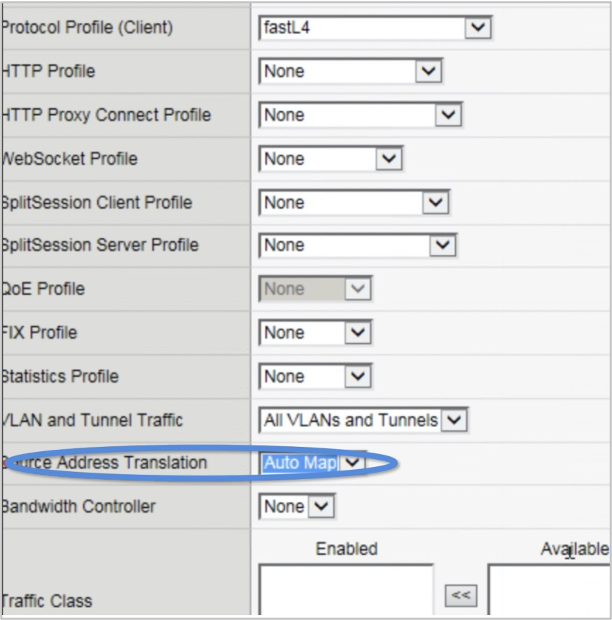
ParameterDescriptionProtocol Profile (Client) Set this parameter to fastL4. HTTP Profile Set this parameter to None. HTTP Proxy Connect Profile Set this parameter to None. WebSocket Profile Set this parameter to None. Splitsession Client Profile Set this parameter to None. Splitsession Server Profile Set this parameter to None. QoE Profile Set this parameter to None. FIX Profile Set this parameter to None. Statistics Profile Set this parameter to None. VLAN and Tunnel Traffic Set this parameter to AII VLANs and Tunnels. Source Address Translation Set this parameter to Auto Map. Bandwidth Controller Set this parameter to None. Enter the IP address and port number in the browser, for example, xxx.xxx.xxx.xxx:80. If the page can be opened properly, the connection between OCP-Console and F5 BIG-IP LTM is complete.