This topic describes how to change the password of the proxysys user for an OBProxy cluster.
Prerequisites
Make sure that you have the following permissions:
- Resource Permissions: OBProxy Maintenance permission
- Menu Permissions: Permission on the Overview menu of OBProxy
Procedure
Log on to the OCP console.
In the left-side navigation pane, click OBProxy.
In the Clusters list, select the target OBProxy cluster.
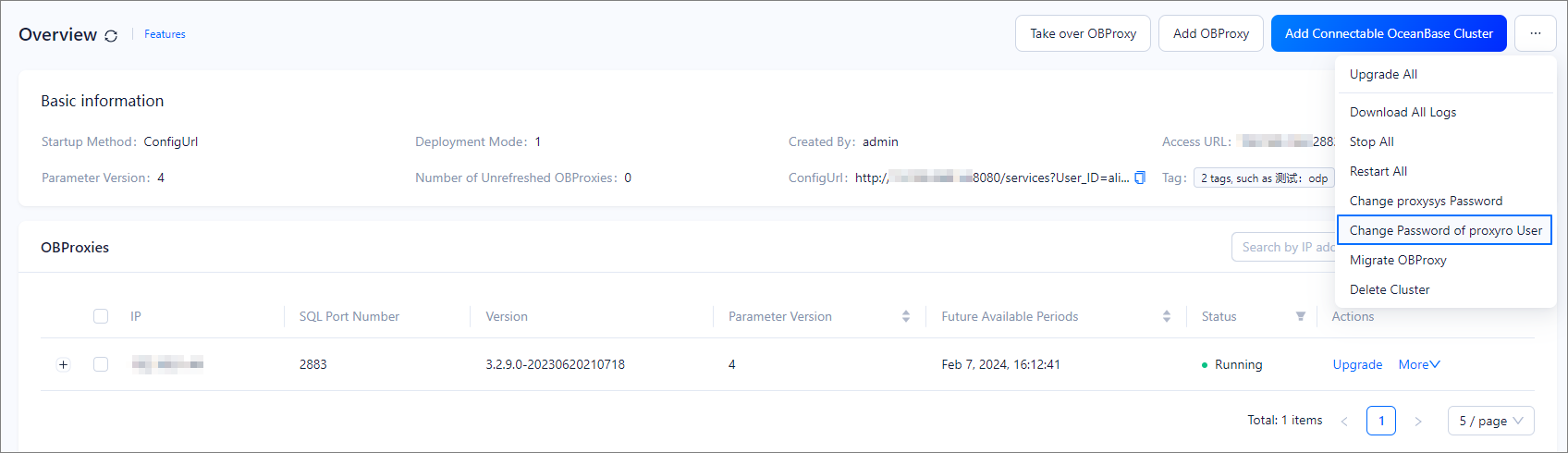
In the upper-right corner of the displayed Overview page, select Change Password of proxyro User from the drop-down list.
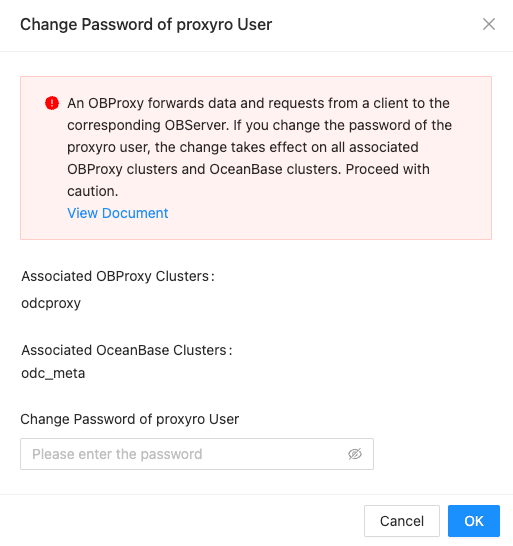
In the dialog box that appears, enter the new password of the
proxysysuser and click OK.