







This topic describes how to switch a follower OCP cluster to a leader in daily maintenance.
Applicability
This topic applies only to OceanBase Cloud Platform Enterprise Edition. OceanBase Cloud Platform Community Edition does not support the multi-cluster mode.
Prerequisite
You have logged in to the OceanBase Cloud Platform (OCP) console and been assigned the ADMIN role.
You want to unbind a leader OCP cluster. Before you can start, you must switch it to a follower. For more information, see Unbind leader and follower OCP clusters. In other cases, proceed with caution.
Procedure
Log on to the OCP console.
In the left-side navigation pane, choose System Management > OCP Multi-cluster Mode .
In the Current OCP Basic Information section of the Leader & Follower Details tab, click Switch to Leader OCP .
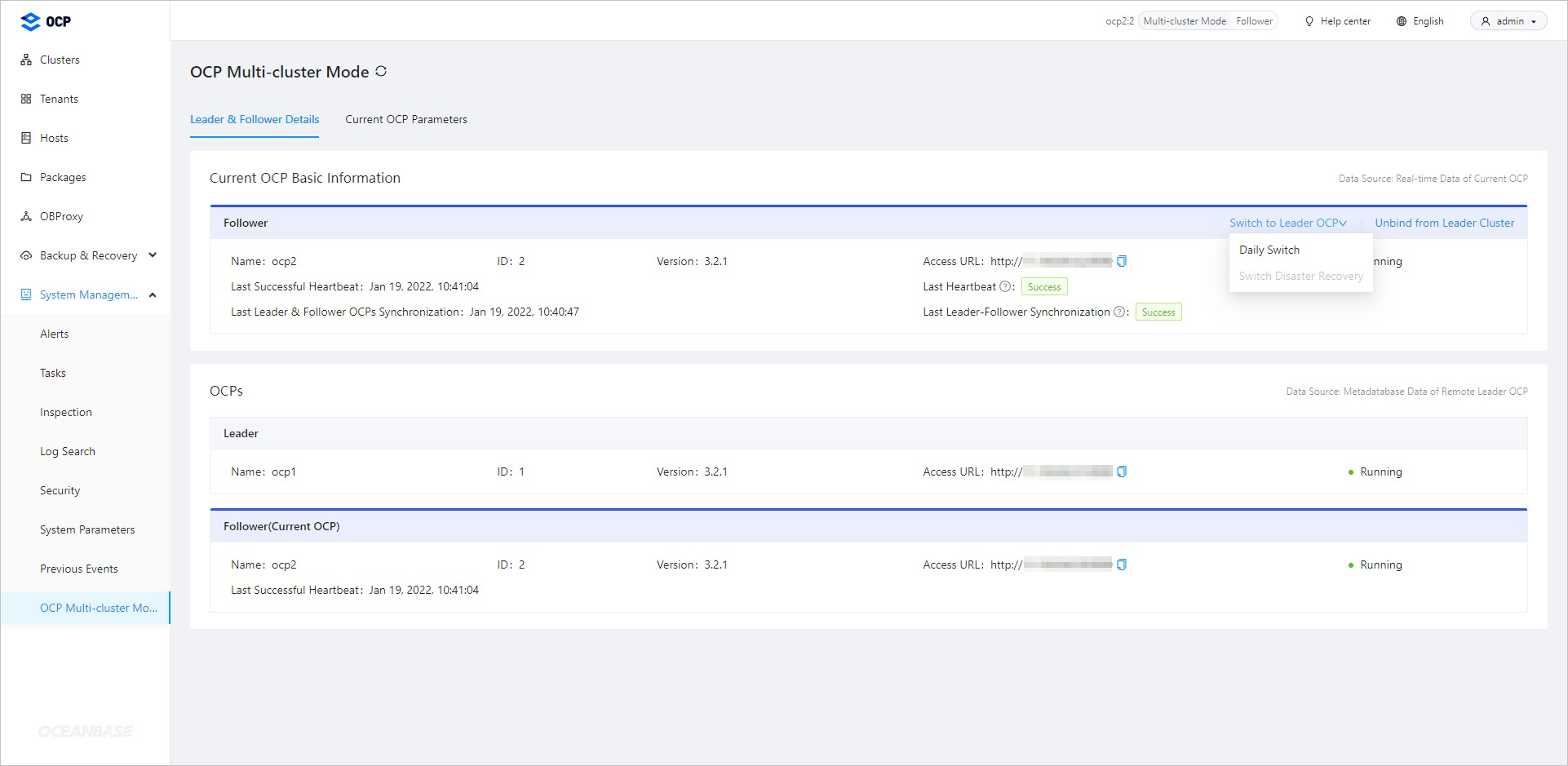
Click Daily Switch .
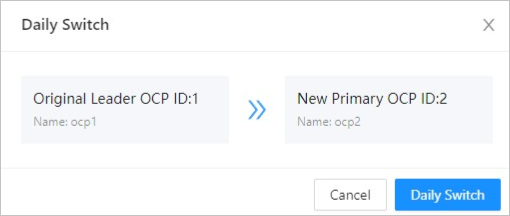
After the switchover is completed, choose System Management > Tasks in the left-side navigation pane and view the task progress. For more information, see Manage tasks.