







This topic describes how to restart OCP-Agent.
Prerequisites
Make sure that you have the following permissions:
- Resource Permissions: Host Maintenance permission
- Menu Permissions: Menu Permissions: Permission on the All menu of Hosts
Procedure
Log on to the OceanBase Cloud Platform (OCP) console.
In the left-side navigation pane, click Hosts.
Click Restart OCP Agent next to the host where OCP-Agent to restart is installed.
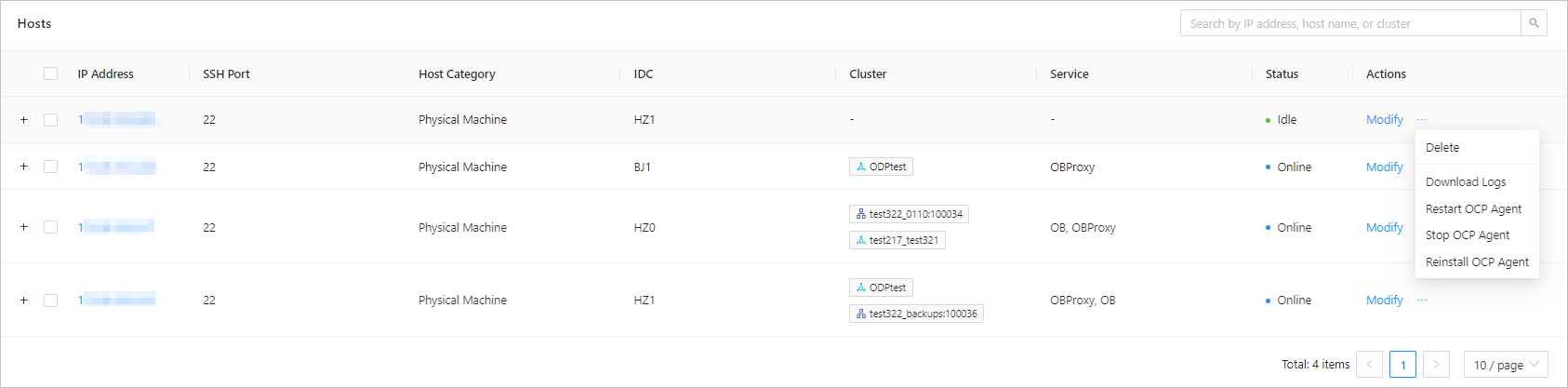
The system prompts you to confirm the restart.
In the dialog box that appears, click OK.
In the Hosts list, find the target host, and click View Task in the Actions column to view the progress.