







The Conditions field of SQL diagnostics supports six operators for filtering metrics provided in Column Management. You can search for abnormal SQL statements by specifying multiple conditions in the Conditions field.
For example, if you want to locate SQL statements that involve multi-partition scans and whose average response time exceeds 100 ms, you can specify the following conditions in the Conditions field:
- Average Response Time >= 100
- Proportion of Distributed Plans > 0
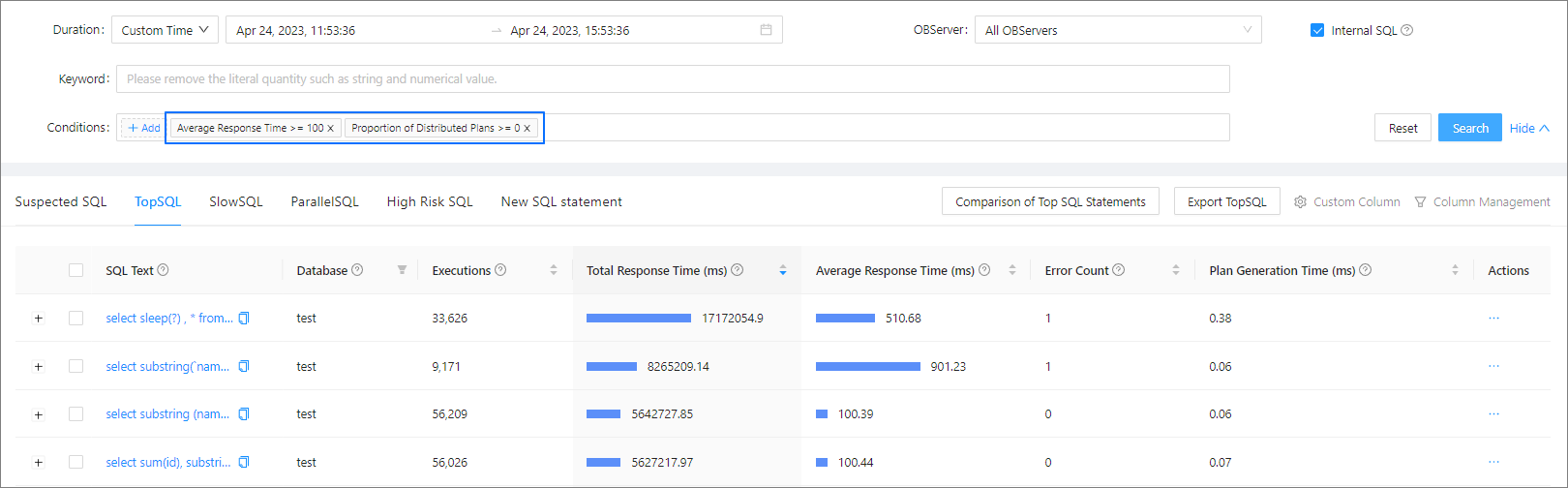
You can further add conditions based on the preceding conditions. For example, if you want to search for SQL statements that involve multi-partition scans and whose average response time exceeds 100 ms and parsing time (corresponding to Plan Generation Time in Column Management) exceeds 10 ms, you can add the conditions shown in the following figure.
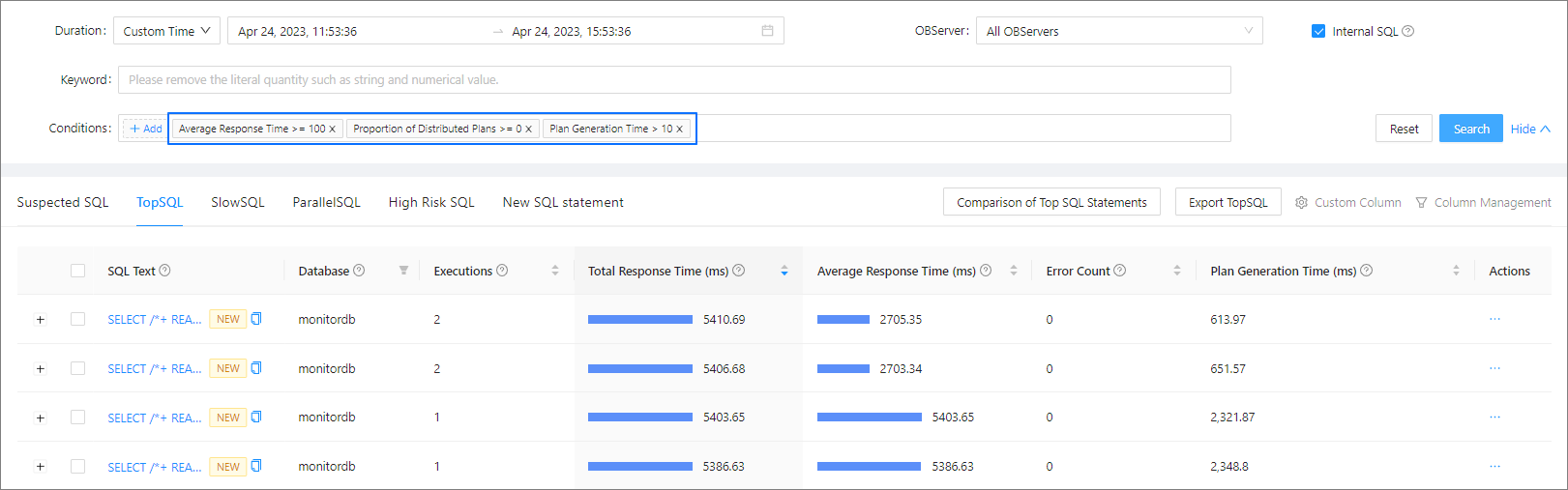
You can select multiple metrics in Column Management to search for SQL statements based on your requirements in different scenarios.