This topic describes how to start an arbitration service. You can start an arbitration service that has been stopped.
Applicability
This topic applies only to OceanBase Cloud Platform Enterprise Edition. OceanBase Cloud Platform Community Edition does not support the arbitration service.
Prerequisites
The arbitration service is in the STOPPED state.
Procedure
Log on to the OceanBase Cloud Platform (OCP) console.
In the left-side navigation pane, click Clusters.
Click the Arbitration Service tab to view the cluster arbitration service list.
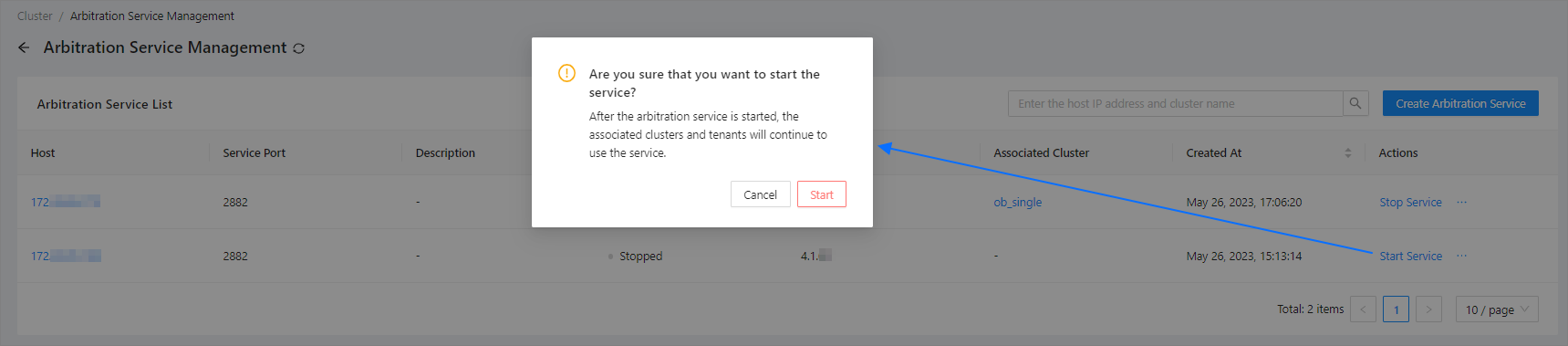
On the Arbitration Service List page, find the arbitration service that you want to start and click Start Service in the Actions column.
In the dialog box that appears, click Start.
After you start an arbitration service, the clusters and tenants associated with the service can continue to use it.