







This topic describes how to copy a tenant.
Procedure
Log on to the OCP console.
In the left-side navigation pane, select Tenants. The Tenants tab automatically appears.
On the Tenants tab, locate the row that contains the target tenant, and click Copy in the Actions column.
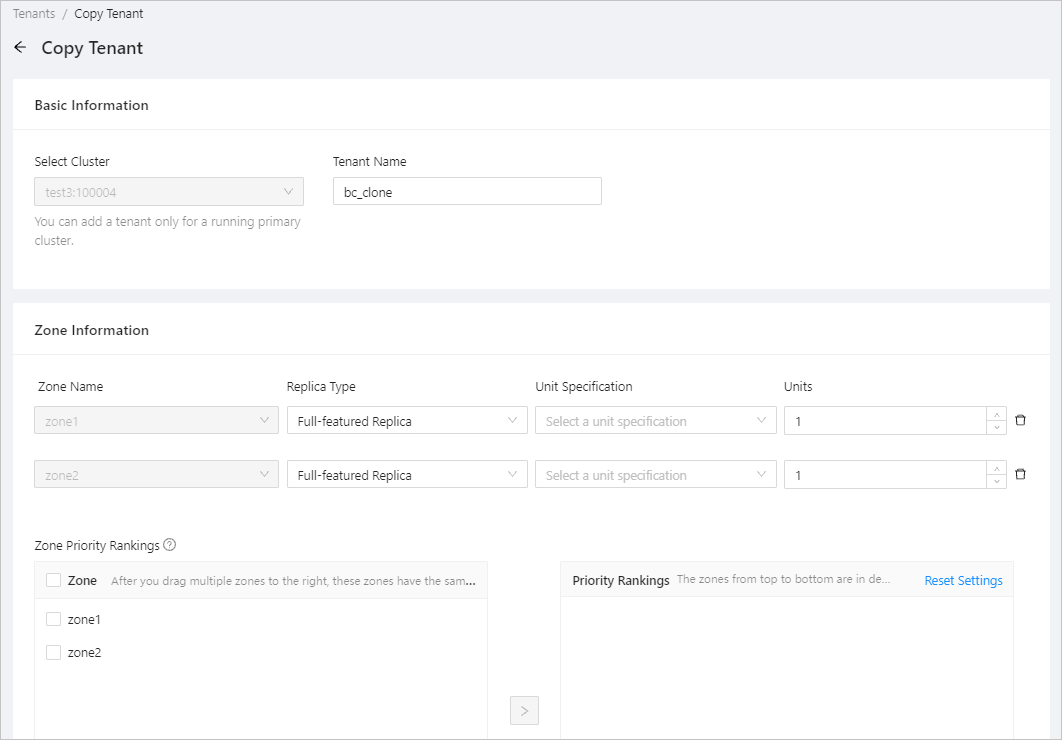
You can modify some settings of the tenant on the Copy Tenant page. For more information, see Create a tenant.
Click Submit .