








This topic describes how to change a user's password.
Prerequisites
The logged-in user has the ADMIN or USER_MANAGER role.
Procedure
Log on to the OceanBase Cloud Platform (OCP) console.
In the left-side navigation pane, choose System Management > User Management.
On the User tab, click Change Password in the Actions column of the user list.
In the dialog box that appears, enter a new password.
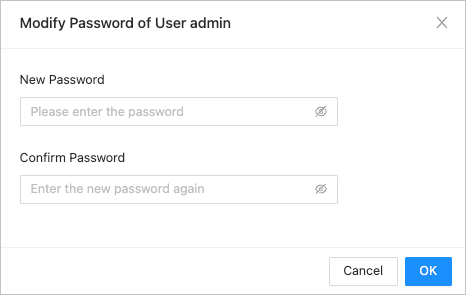
The password must be 8 to 32 characters long and supports letters, digits, and special characters. It must include at least 2 uppercase letters, 2 lowercase letters, 2 digits, and 2 special characters. Supported special characters are ~!@#%^&*_-+=`|(){}[]:;',.?/ .
Click OK.