








You can disable automatic detection of deadlocks based on your business requirements.
Prerequisites
The logged-on user has the permission to manage the cluster.
The cluster version is V3.2.0 or later.
Automatic detection of deadlocks is enabled for the cluster.
Procedure
Log on to the OceanBase Cloud Platform (OCP) console. The Clusters page automatically appears.
In the Clusters list on the Clusters page, find the target cluster and click its name.
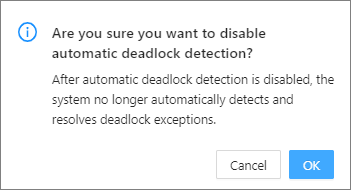
Click the more icon ( ... ) in the upper-right corner of the Overview page, and select Disable Automatic Deadlock Detection from the context menu.
Click OK .
Note
After automatic detection of deadlocks is disabled, the deadlocks are not automatically detected or rolled back.