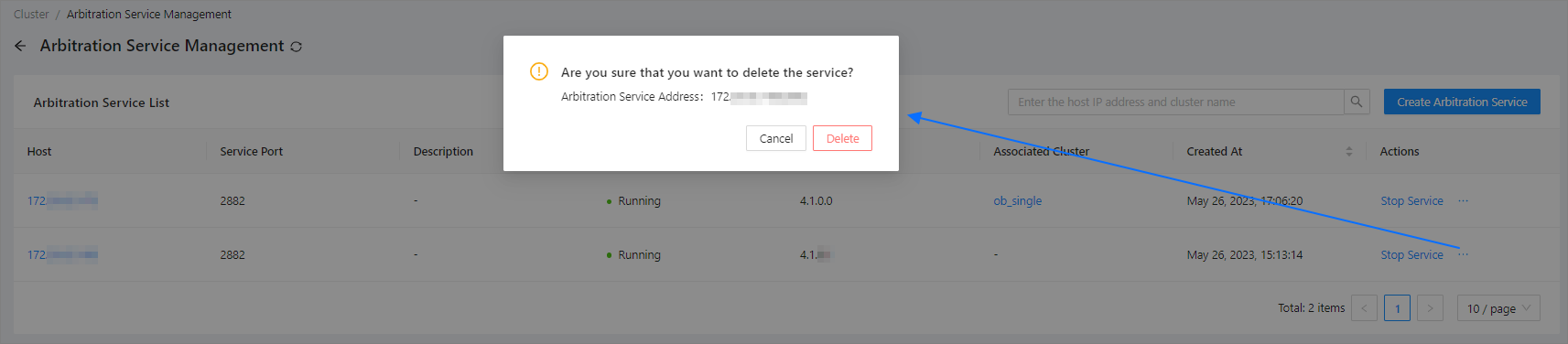
This topic describes how to delete an arbitration service.
Applicability
This topic applies only to OceanBase Cloud Platform Enterprise Edition. OceanBase Cloud Platform Community Edition does not support the arbitration service.
Prerequisites
- The arbitration service is in the RUNNING state.
- No OceanBase Database cluster is using the arbitration service.
Procedure
Log on to the OceanBase Cloud Platform (OCP) console.
In the left-side navigation pane, click Clusters to go to the Cluster Overview page.
In the upper-right corner of the Cluster Overview page, click the ... icon, and choose Arbitration Service Management.
On the Arbitration Service List page, find the arbitration service that you want to delete and hover the pointer over the ... icon in the Actions column and select Delete Service.
In the window that appears, click Delete.