







Symptom
The browser stalls after ODC runs for a period.
Possible causes
The browser/frontend stalls due to insufficient memory or other issues and fails to respond to user interactions.
The backend responds slowly, causing the application to stall.
Affected versions
All versions of web ODC
Solutions
Troubleshoot frontend issues
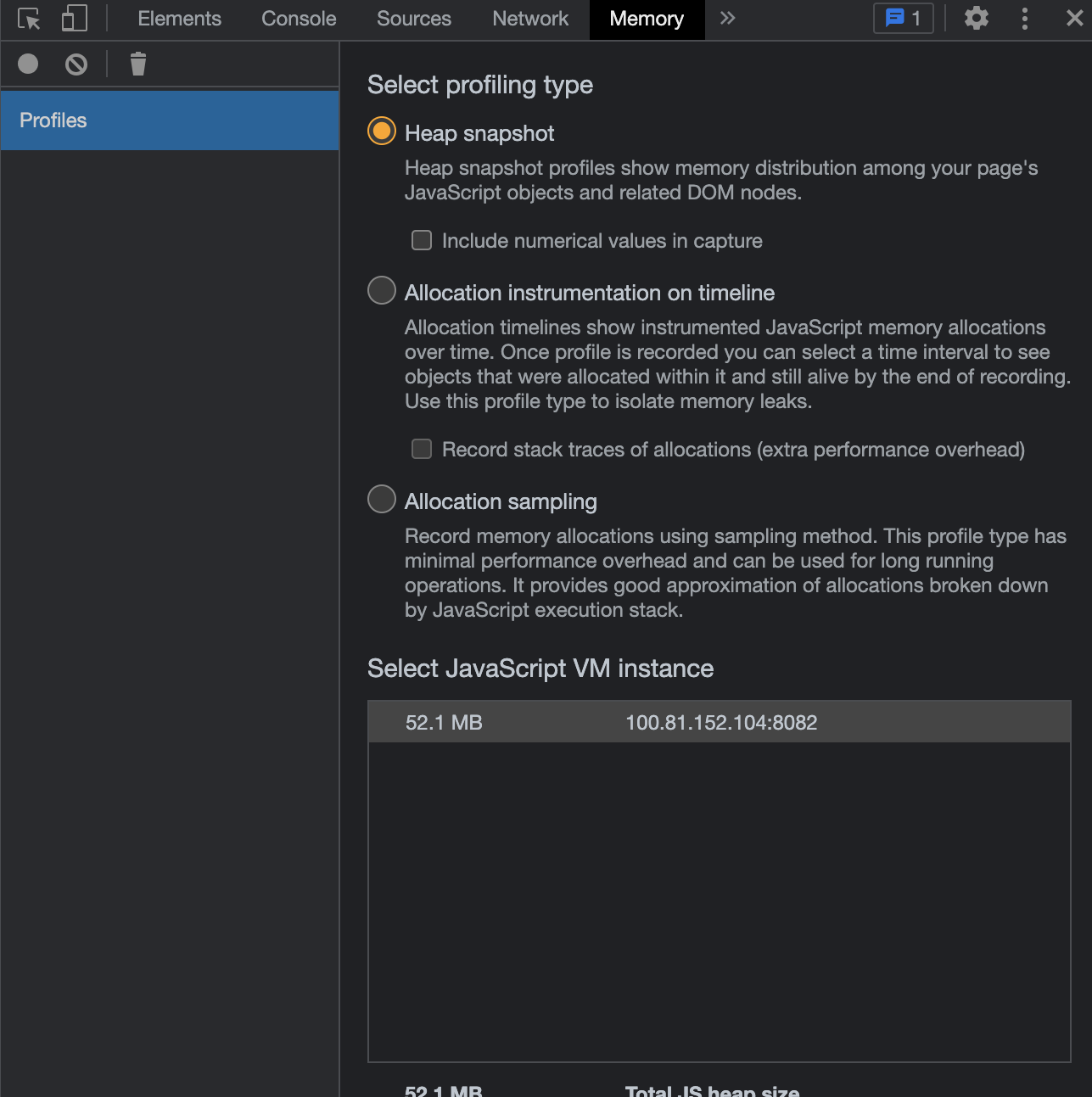
Go to the browser debugging page and check the memory consumption of the current page. If the memory usage exceeds 1 GB, the browser may stall due to excessive resource consumption. Take the Chrome browser as an example.
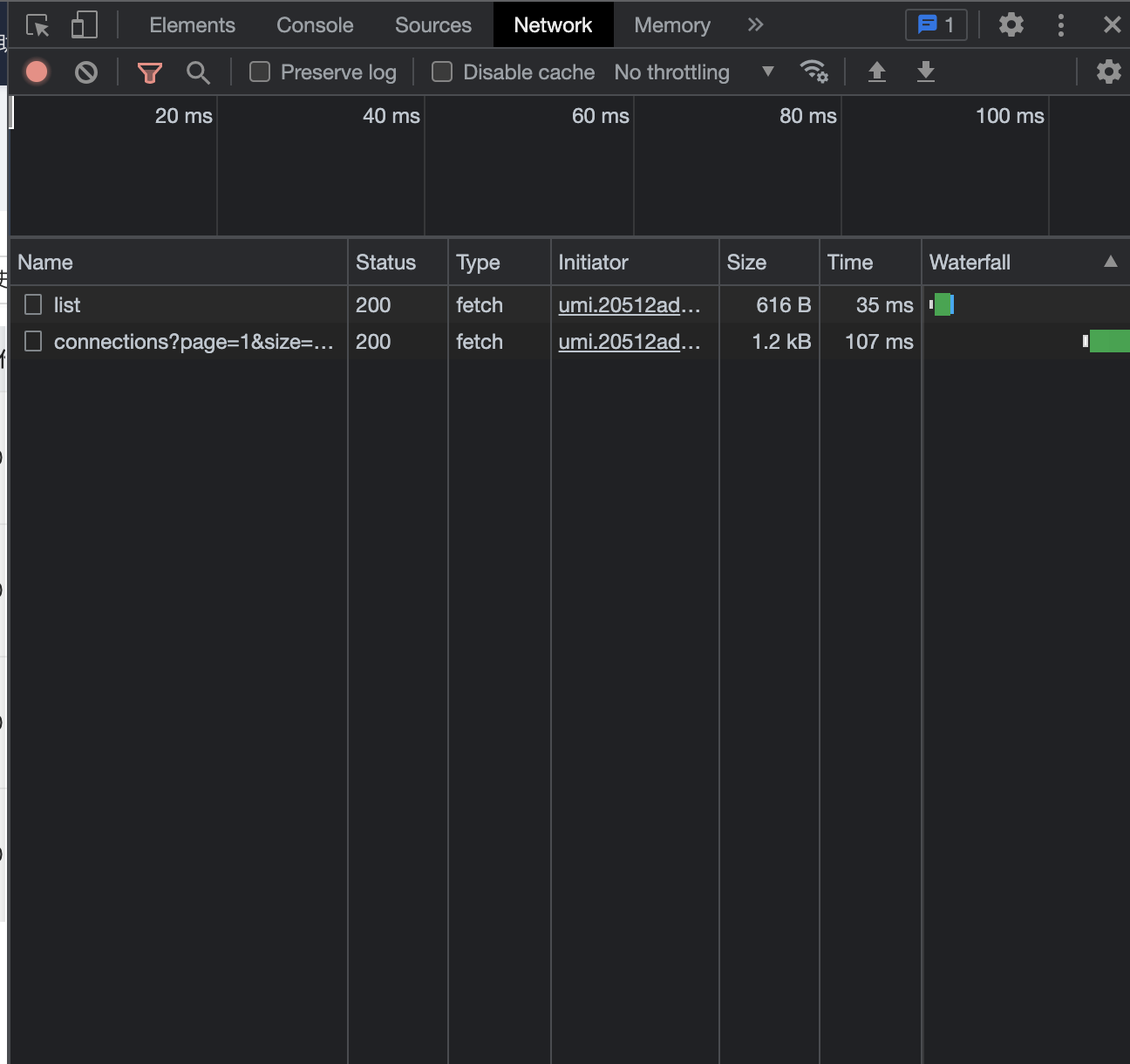
Go to the network request page of the browser. Check whether the frontend has sent network requests and whether the backend has responded to the request in the Pending state. If no network requests are in the Pending state and all existing network requests are normal, the frontend may hang.
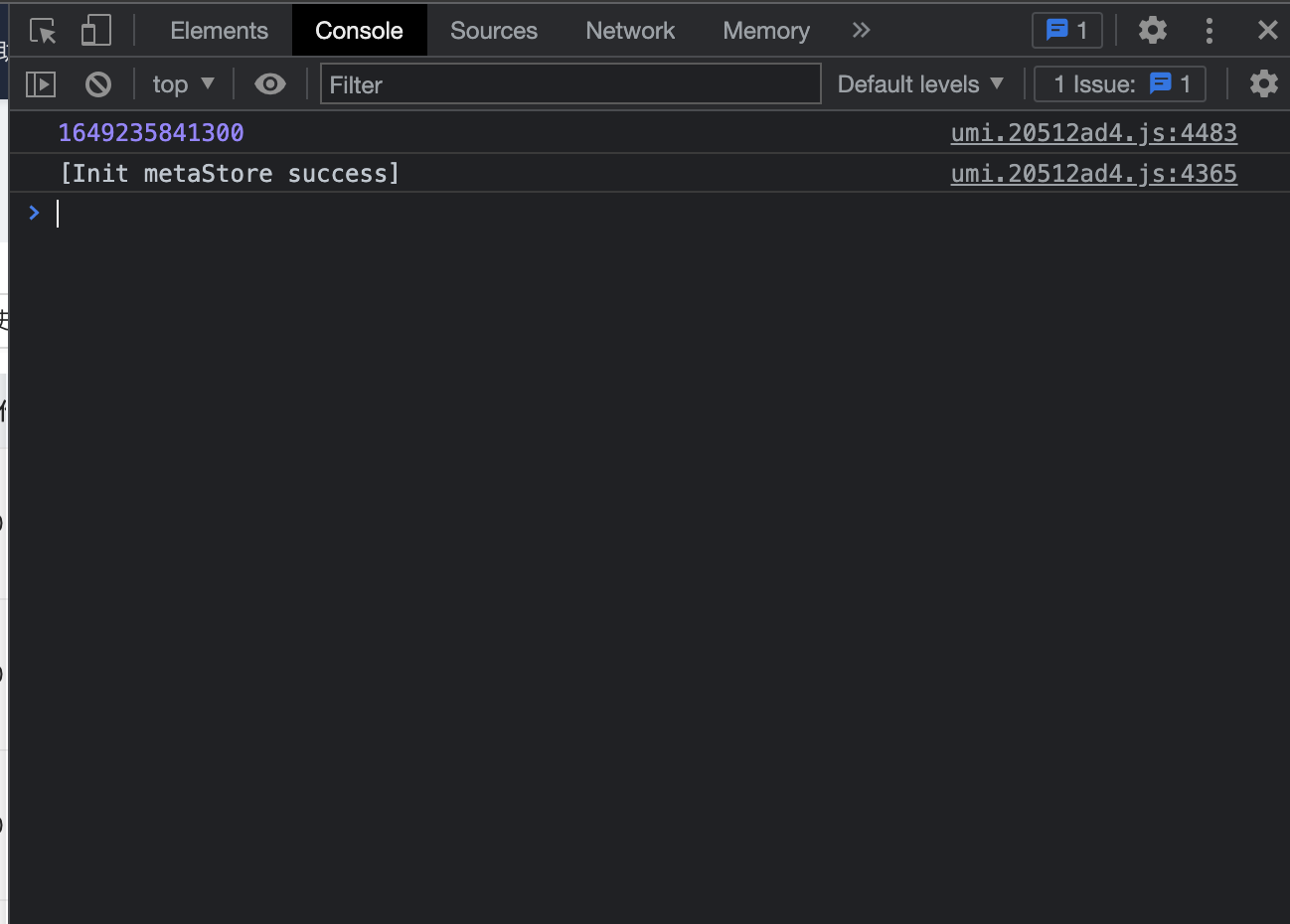
Check the output of the front-end console for errors. In normal cases, the console does not output an error message. If an error message is printed, the frontend may have an error. Contact OceanBase Technical Support and provide a screenshot of the error for troubleshooting.
If the preceding solutions do not work, the issue may be caused by a backend issue.
Refresh the page to check whether the issue persists.
If the issue persists, check the backend.
Backend troubleshooting
Slow or no response on the frontend may be caused by a backend issue, which results in high interface RT.
Check the ODC log
odc.logfor errors. If you find any errors, contact OceanBase Technical Support.If you do not find any particular error, use the
curlcommand to perform a health check on ODC.Here is the sample command:
curl -XGET http://${ip}:${port}/api/v1/heartbeat/isHealthyHere is the sample response from the backend:

If the call is stuck or an error occurs, the browser is stuck due to a backend issue. Contact OceanBase Technical Support and provide the
odc.logfile for troubleshooting.