







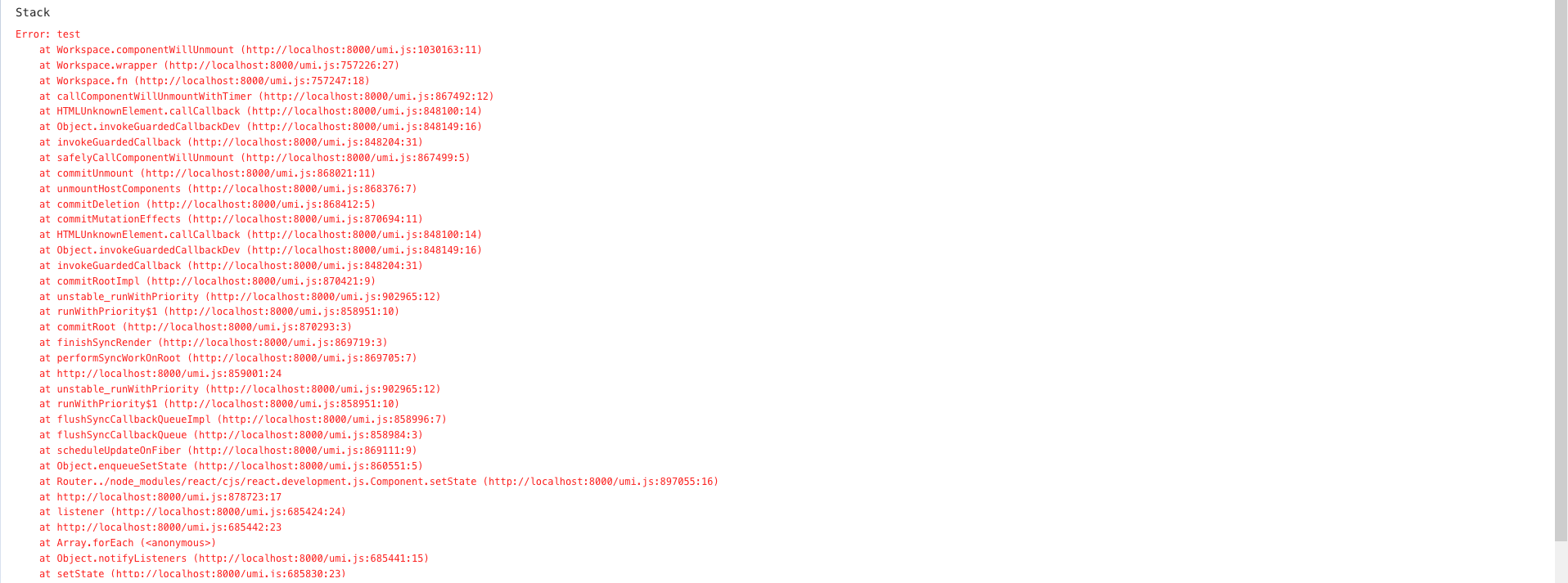
Symptom
Possible causes
An unexpected exception occurs in the system, causing the ODC page fails to be processed.
Solutions
Contact OceanBase Technical Support and provide relevant logs and screenshots of the error page.
Refresh the page of web ODC. If the error persists, clear the cache of the browser.
Notice
If you clear the browser cache, unsaved data is cleared. If you have important data in the cache, we recommend that you contact OceanBase Technical Support for help.

Restart the application of client ODC.