






OceanBase Developer Center (ODC) is an enterprise-class database development platform tailored for OceanBase. It supports both MySQL and Oracle modes of OceanBase, and provides database developers with features such as database development, WebSQL-based workspace, SQL diagnostics, session management, and data import and export.
Database connection management
ODC allows you to connect to databases in MySQL or Oracle mode in OceanBase. After you enter the required information on the connection creation page of ODC, you can test the connection and save the connection configuration. ODC allows you to save the connection configurations of multiple databases. On the homepage of OceanBase Developer Center (ODC), the Connections tab displays the connection settings that you created and saved. You can copy, edit, and delete a saved connection configuration.

Workspace
ODC provides a WebSQL-based workspace where you can edit and diagnose SQL and PL/SQL statements. In the SQL window of the workspace, you can run and save your SQL scripts. In the anonymous block window, you can edit, run, debug, and save anonymous blocks. The workspace also provides diagnostic information such as execution details and execution results in the corresponding tabs. You can also use the Snippet feature to search for and save frequently used code.

Creation and management of database objects
Object creation and management is a common task in database development. In ODC, you can create and manage database objects such as tables, views, functions, stored procedures, sequences, triggers, types, and synonyms. In addition to object creation and management by using SQL statements, ODC provides a concise and clear visualized interface where you can create objects and manage their properties.

Session management and properties
A session is a connection between an application and a database. On the Session Management page, you can view the details about all sessions of a database. The Session Properties page of ODC provides a graphical interface where you can view and modify the session variables and global variables that the current database supports.

Data import and export
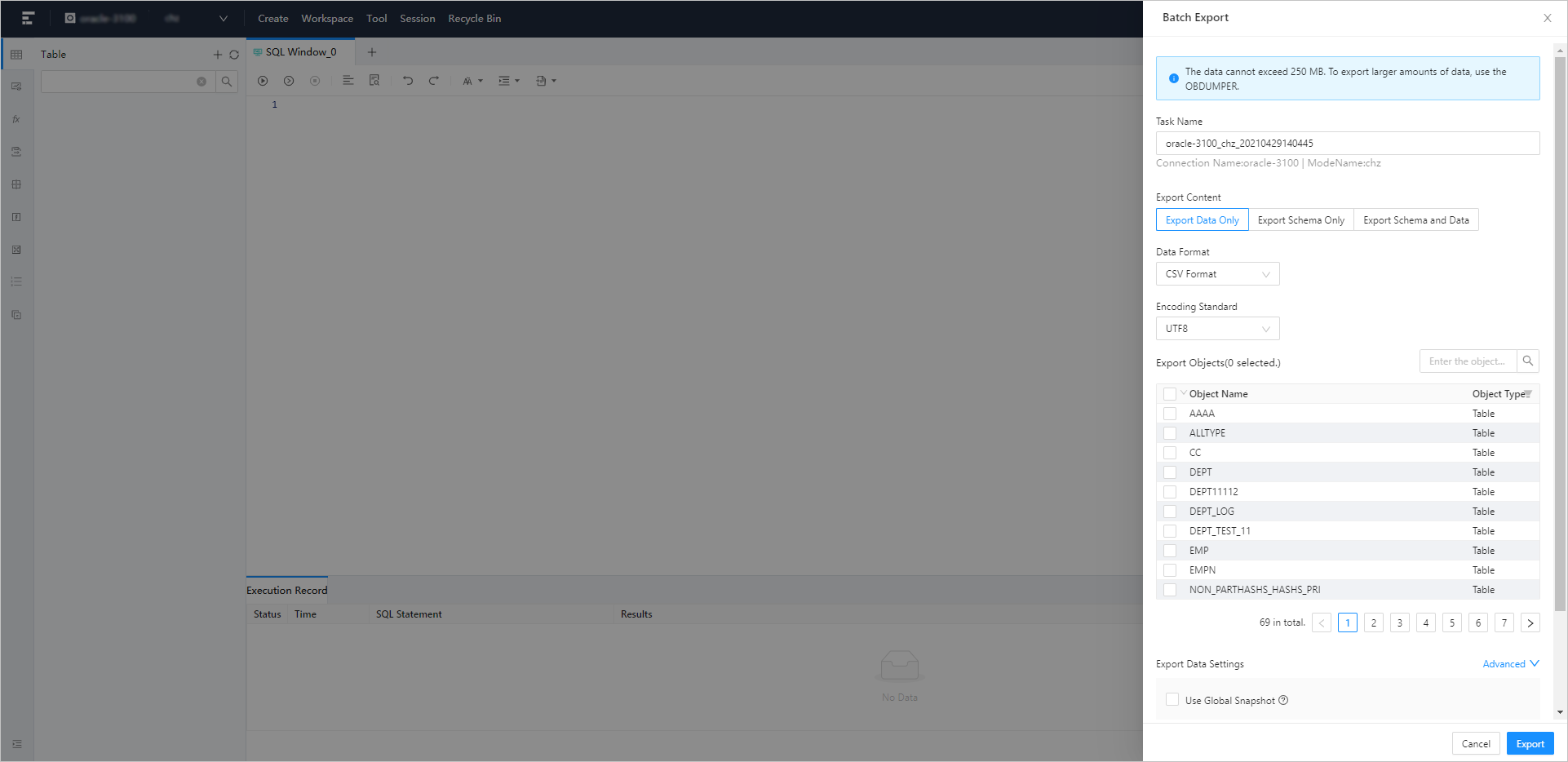
To make data maintenance easier, ODC supports importing and exporting a single table or multiple tables. You can import and export files in SQL and ODC formats. ODC allows you to select multiple tables to import or export their data at a time. You can also import or export the data of a single table.
Command-line window
The OceanBase client (OBClient) is the recommended command-line client for OceanBase Database. As a graphical user interface (GUI) development tool for OceanBase Database, OceanBase Developer Center (ODC) integrates OBClient in the form of a command-line window. The command-line window allows you to use command lines to develop and manage database features without downloading and installing OBClient. You can execute SQL or PL statements and view the execution results in real time. You can also use the SOURCE command to run files uploaded to your servers.

Data mocking
OceanBase Developer Center (ODC) provides the data mocking feature that can generate data based on field types in a table. This can meet your requirement for a large amount of data during database performance tests or feature verification. ODC generates data based on the field types and rules that you specified in the Mock Data panel.
