This topic describes how to add, modify, and delete unit specifications on the Unit Specification Management page of OceanBase Cloud Platform (OCP).
Prerequisites
The logged-on user in the OCP console has the update permission on the target tenant.
Procedure
Log on to the OCP console.
In the left-side navigation pane, click Tenants .
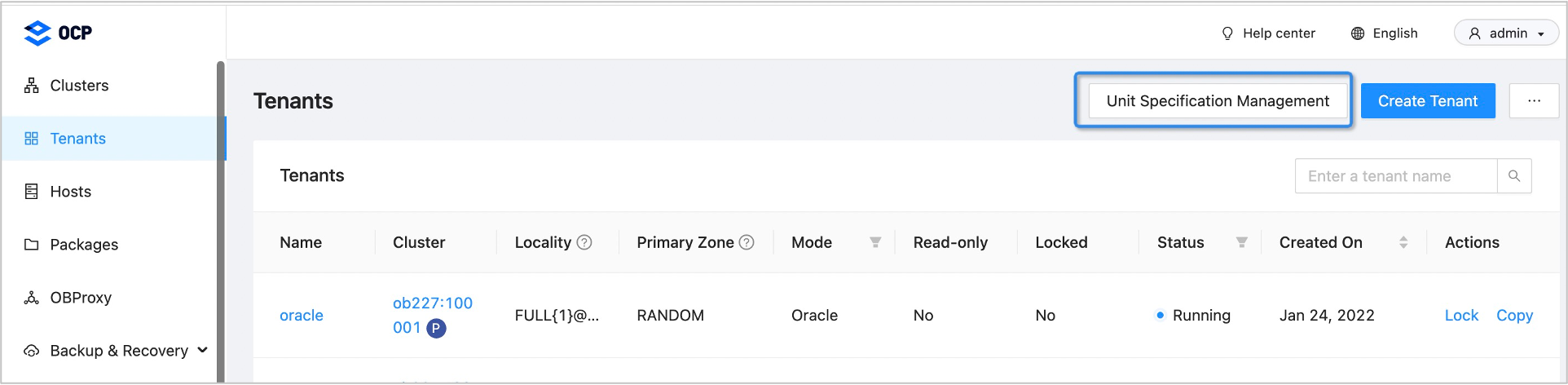
On the page that appears, click Unit Specification Management in the upper-right corner. Then, the Unit Specification Management page appears.
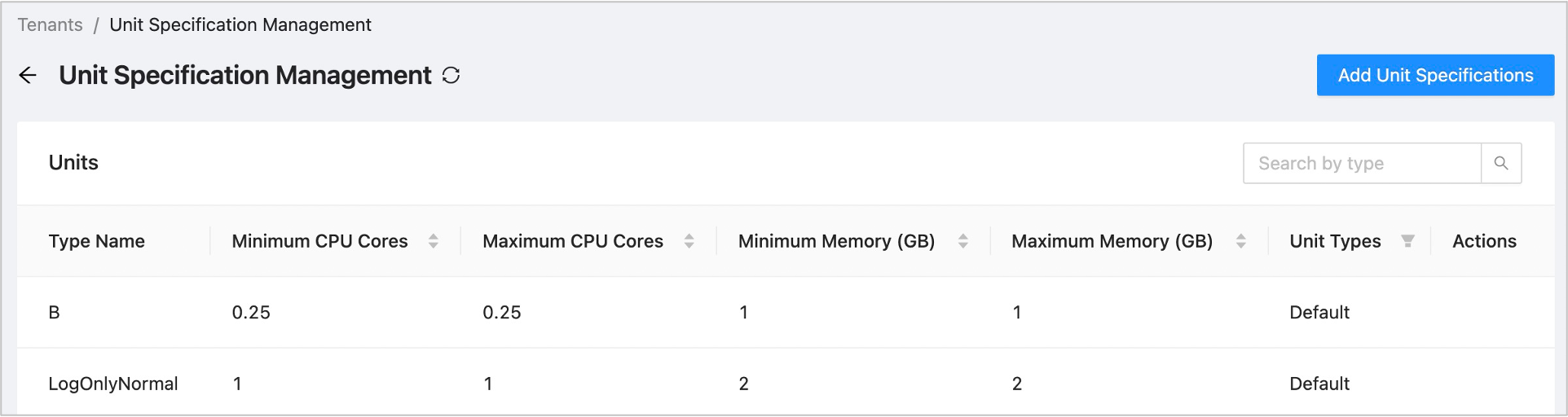
View the Units list that contains the following columns: Type Name, Minimum CPU Cores, Maximum CPU Cores, Minimum Memory (GB), Maximum Memory (GB), Unit Types , and Actions .
You can sort the unit specifications by minimum CPU cores, maximum CPU cores, minimum memory (GB), and maximum memory (GB) .
You can filter the unit specifications by unit type . The unit types supported are default and custom .
In the Actions column, you can click Modify or Delete .
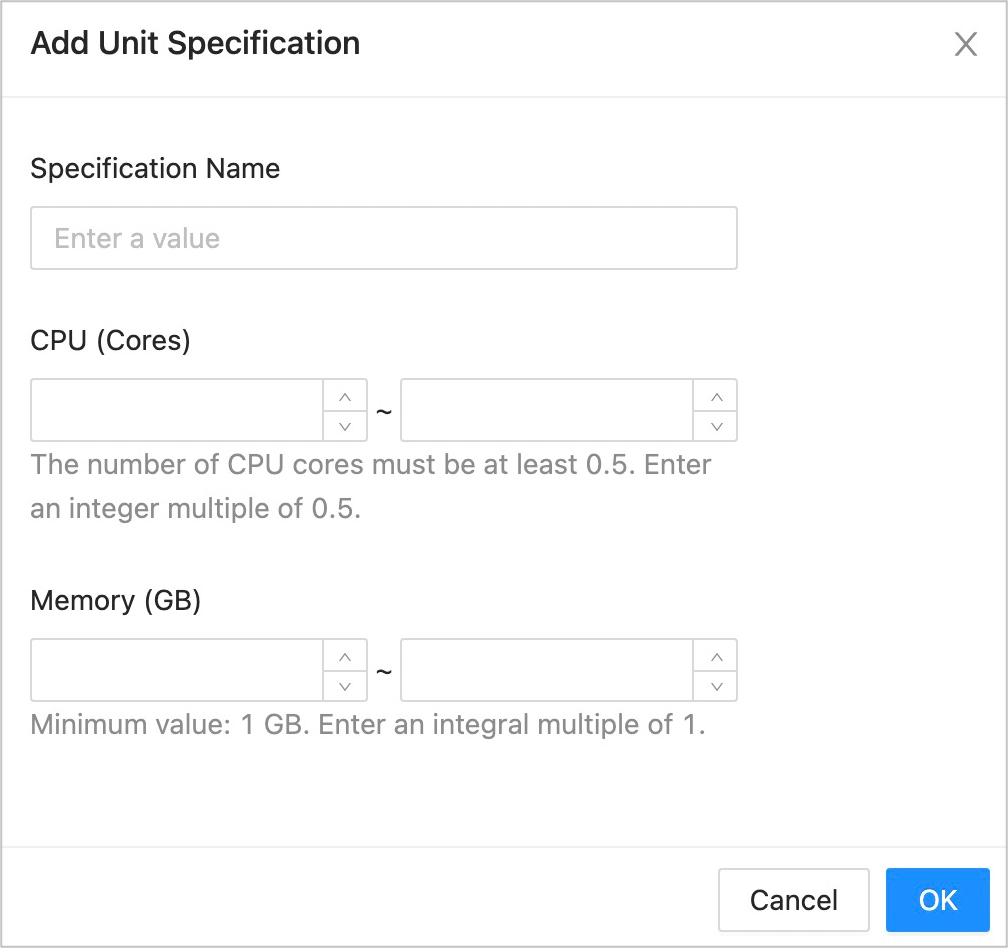
Click Add Unit Specification . Set the Specification Name, CPU (Cores) , and Memory (GB) parameters.