







You can manually initiate a major compaction.
Initiate a major compaction by using SQL statements
Log on to the
systenant as therootuser.Initiate a major compaction for a cluster.
Execute the following statement to initiate a major compaction:
obclient> ALTER SYSTEM MAJOR FREEZE;
Manually initiate a major compaction in the OCP console
You can also manually initiate a major compaction in the OCP console.
Log on to the OCP console. The Clusters page automatically appears.
In the Clusters list on the Clusters page, find the target cluster and click its name.
In the left-side navigation pane of the page that appears, click Compaction Management.
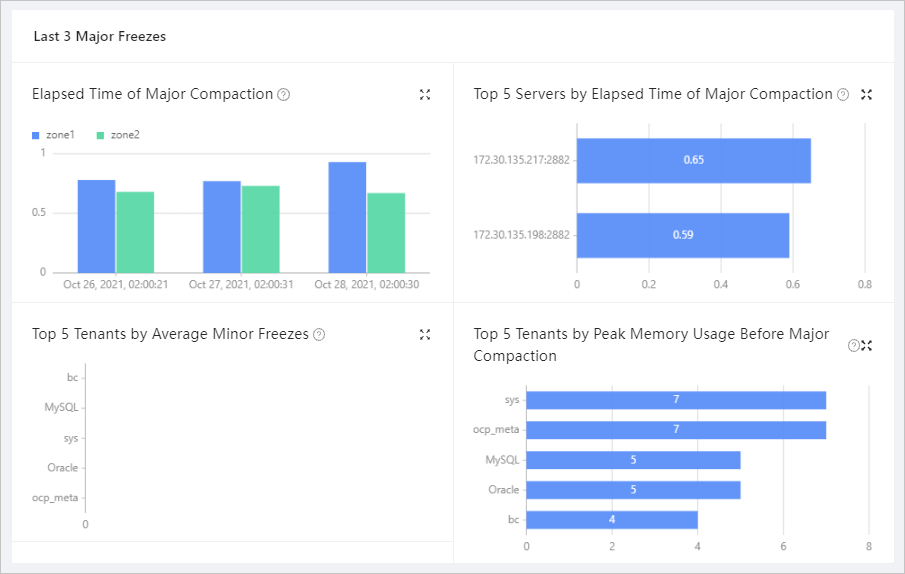
In the Last Major Freeze area on the Details of Major Freeze tab, locate the Basic Info area.
Verify that the value of Status is Idle and click Initiate Major Freeze.