







OceanBase Cloud Platform (OCP) provides a feature to copy tenants, allowing you to create a new tenant based on a specified one. This process specifically copy tenant configurations and related information, while excluding any data from the original tenant.
Prerequisites
You are granted the system administrator or OCP tenant administrator role or another role that has permissions to manage the cluster. Otherwise, request the administrator to assign the required role. For more information, see "Edit a user" in the OCP User Guide of the corresponding version.
Procedure
Log on to the OCP console.
The Clusters page automatically appears.
In the left-side navigation pane, click Tenants.
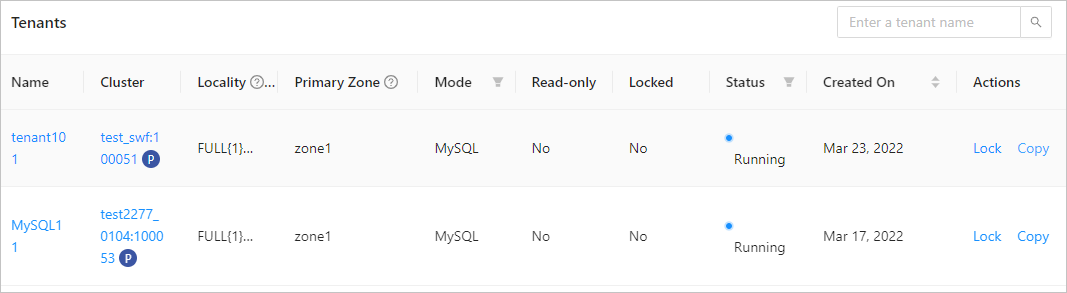
In the Tenants list, find the tenant that you want to copy and click Copy in the Actions column.
On the Copy Tenant page, configure basic information and replica information.
Click Submit.
The system then creates a new tenant based on the original tenant and the corresponding settings. Data in the original tenant will not be copied.