







This topic describes how to view the SQL collection enable/disable history.
Procedure
In the left-side navigation pane, click Tenants and click the target tenant in the Tenants list to go to the Overview page of the tenant.
In the left-side navigation pane, click SQL Diagnostics to go to the SQL Diagnostics page.
Click the more icon (...) in the upper -right corner of the page and select View SQL Collection History .
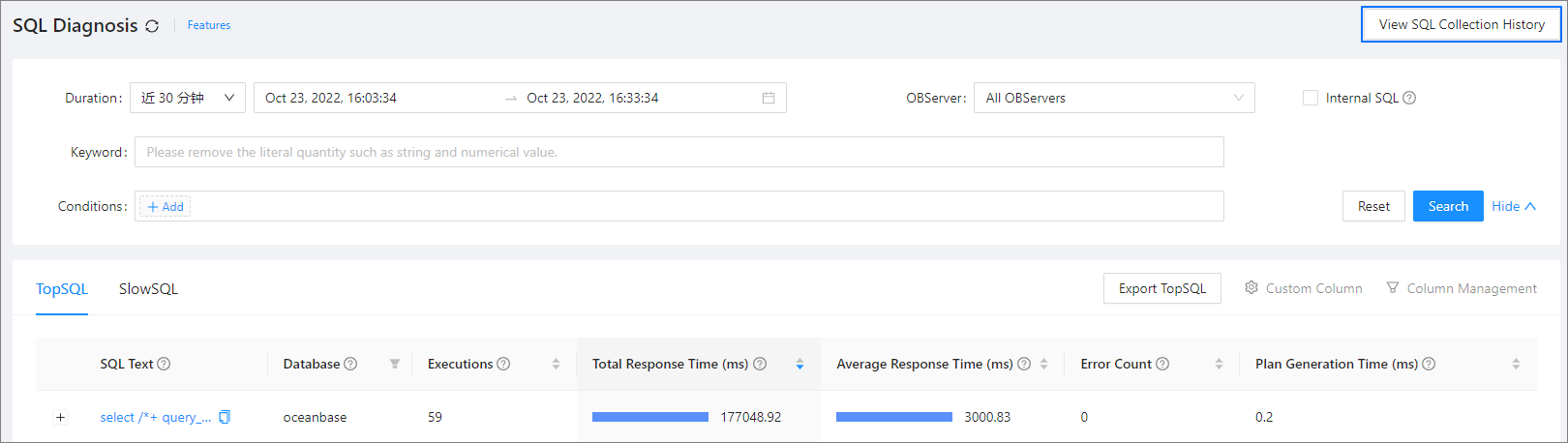
In the SQL Collection History panel on the right, view the time and actions of SQL collection enable/disable operations.
You can sort the operations by time.
You can sort the operations by action (enable or disable).