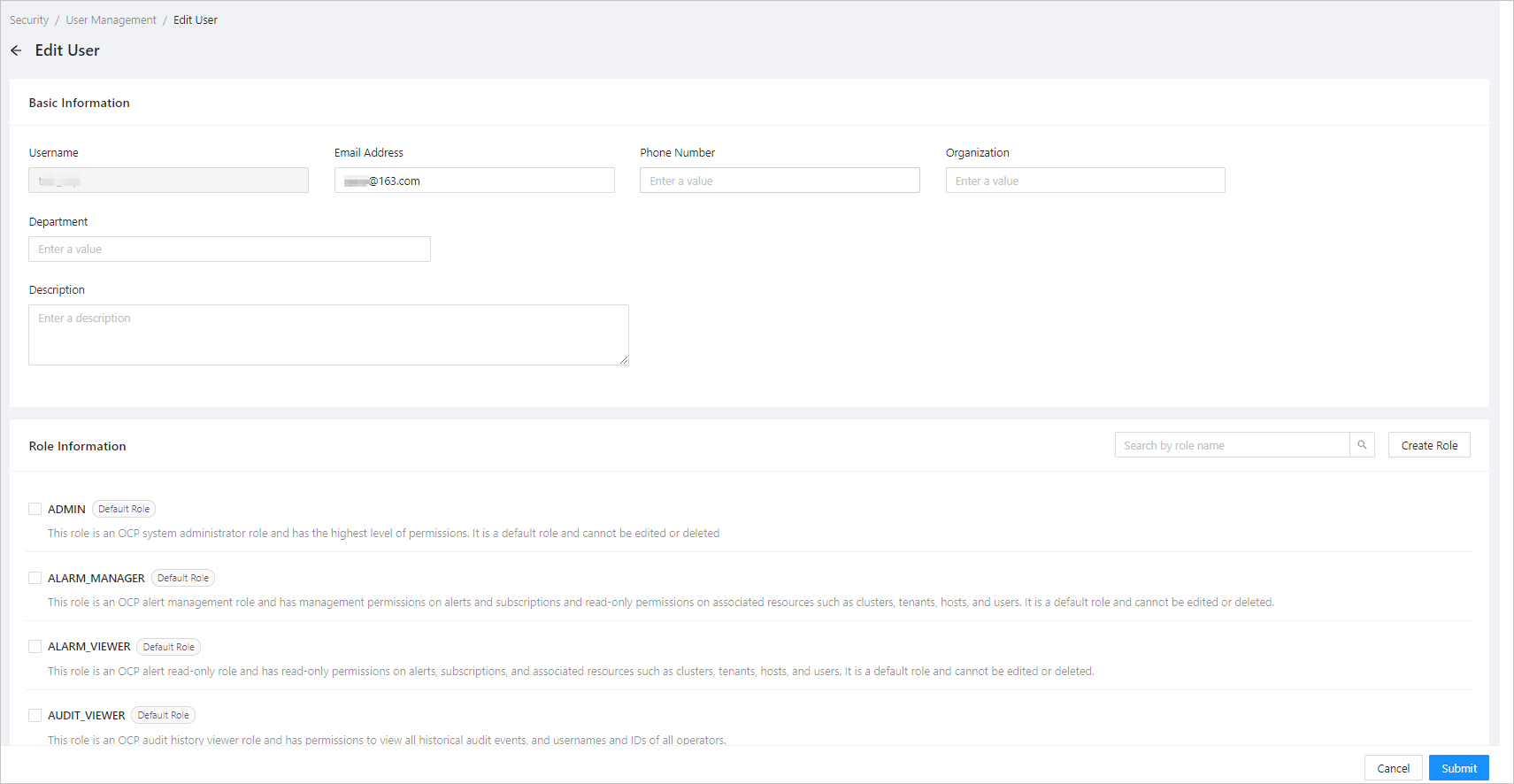
This topic describes how to view the detailed information about users.
Prerequisite
You are logged on with an account that has the ADMIN or USER_MANAGER role.
Procedure
Log on to the OCP console.
In the left-side navigation pane, choose System Management > Security .
Click a username in the user list on the User Management tab.
The User Details page appears.
On this page, you can view the basic information and permissions of the user.
In the upper-right corner of the page, you can also change the user password, copy the user, edit the user, and delete the user. For more information, see Change a user password, Copy a user, Edit a user, and Delete a user.