







This topic describes how to add an OBProxy.
Procedure
Log on to the OCP console.
In the left-side navigation pane, click OBProxy .
In the OBProxy cluster list, click the target OBProxy cluster to go to its overview page.
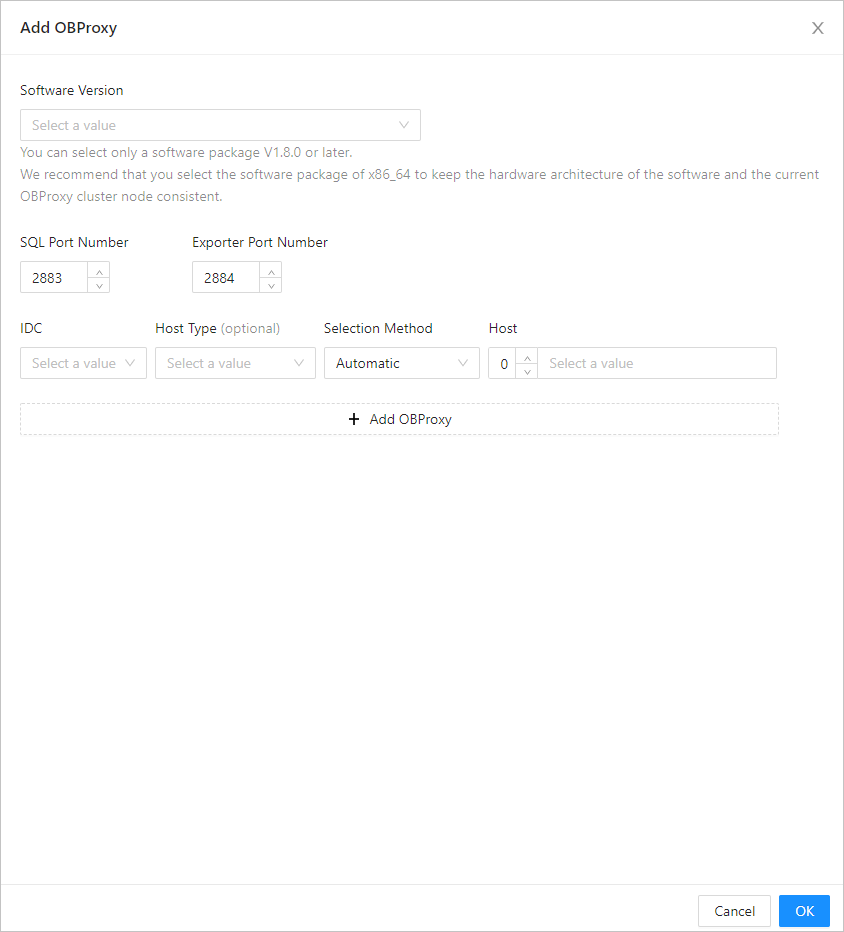
Click Add OBProxy .

In the dialog box that appears, specify the following fields: Software Version , IDC , SQL Port Number , Exporter Port Number , Host Type , Selection Method ,and Host . For more information, see Create an OBProxy cluster.
Notice
- If the version of the OBProxy cluster is V4.0 and later, only software packages of V4.0.0 and later can be selected.
- If the version of the OBProxy cluster is V3.x and earlier, only software packages V1.8 later and V4.0.0 earlier can be selected.
- Click OK .