







This topic describes how to share connection credentials.
Procedure
In the upper-right corner of the OceanBase Cloud Platform (OCP) console, click the username and choose Password Box. The Password Box page appears. For security reasons, passwords are displayed as *****.
On the OceanBase Cluster or Host tab, find the connection credential that you want to share.
Click Share in the Actions column.
In the Share Connection dialog box, select one or more recipients.
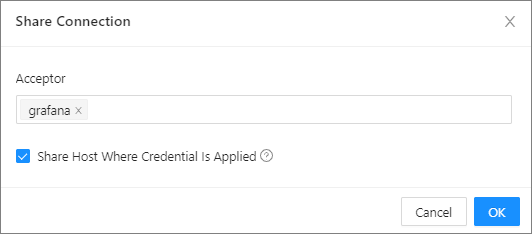
Click OK.
After a connection is shared, the recipient can accept or ignore the connection. For more information, see Accept a connection or Ignore a connection.