







This topic takes OceanBase Admin Toolkit (OAT) V2.1.1 as an example. For other OAT versions, see User Guide of the corresponding version.
Prerequisites
Before the deployment, make sure the following conditions are met.
You have added and initialized an OCP server.
You have added the OCP configuration file.
You have uploaded the required
.tarinstallation package to the corresponding directory of OAT. For more information about how to upload the installation package, see Upload the installation packages.
Procedure
Log on to OceanBase Admin Toolkit (OAT) as a super administrator or an O&M engineer.
In the left-side navigation pane, choose Service Deployment > Service Management .
In the lower-left corner of the ODC area, click Deploy now .
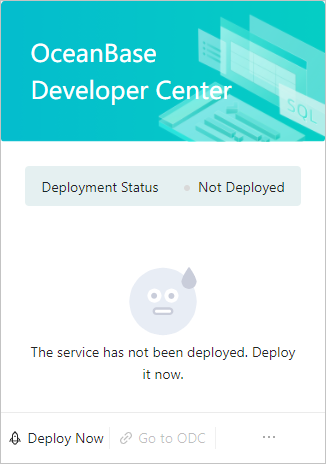
Select the previously configured ODC configuration file and click OK .
Note
If you have not prepared the configuration file, go to the Config Files list, click Add Config File to configure one on the page that appears, and then deploy ODC.
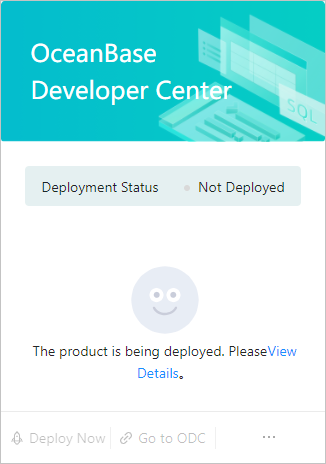
When you click OK , the system prompts that the deployment is in progress and creates a task in the meantime. You can click View Details to view its progress.
