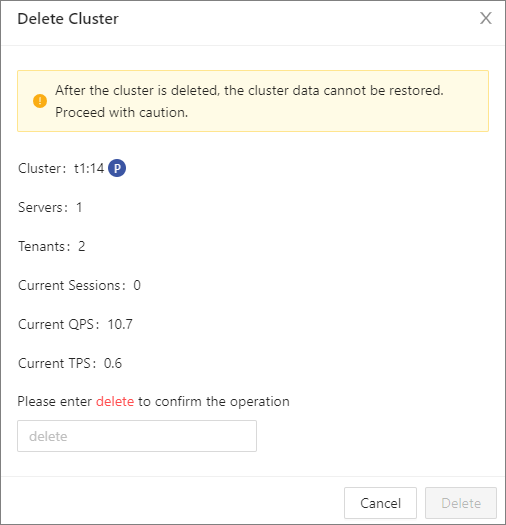
You can delete an OceanBase cluster as needed.
Prerequisite
You have the permission to manage the cluster.
Procedure
Log on to the OceanBase Cloud Platform (OCP) console.
The Cluster page automatically appears.
In the Clusters list, find the target cluster and click its name.
In the upper-right corner of the Overview page, click the More icon, and select Delete Cluster .
In the Delete Cluster dialog box, enter the word "delete" and click Delete .