This topic describes how to view task information.
Tasks
In the OceanBase Cloud Platform (OCP) console, you can view and manage the following tasks: OCP system management tasks, and tasks that are initiated on the OCP console for the O&M and management of OceanBase clusters, tenants, and hosts. For more information, see Task management. The table on the Tasks page contains the following columns: Task Name, ID, Cluster, Initiated By, Status, Progress, Started At , and Ended At . By default, all tasks are displayed. You can filter tasks by status and cluster.

Task details page
Click the task name. The task details page appears. You can view the following information on the page:
Basic task information: Task Status, Progress, Start Time, Consumed Time , and Initiator .
Click a view icon in the upper-right corner to switch to the desired view. For more information, see Log view and Flow view.
You can check the current progress of a task.
You can click Download Logs in the upper-right corner to download log files to your local device.
Log view
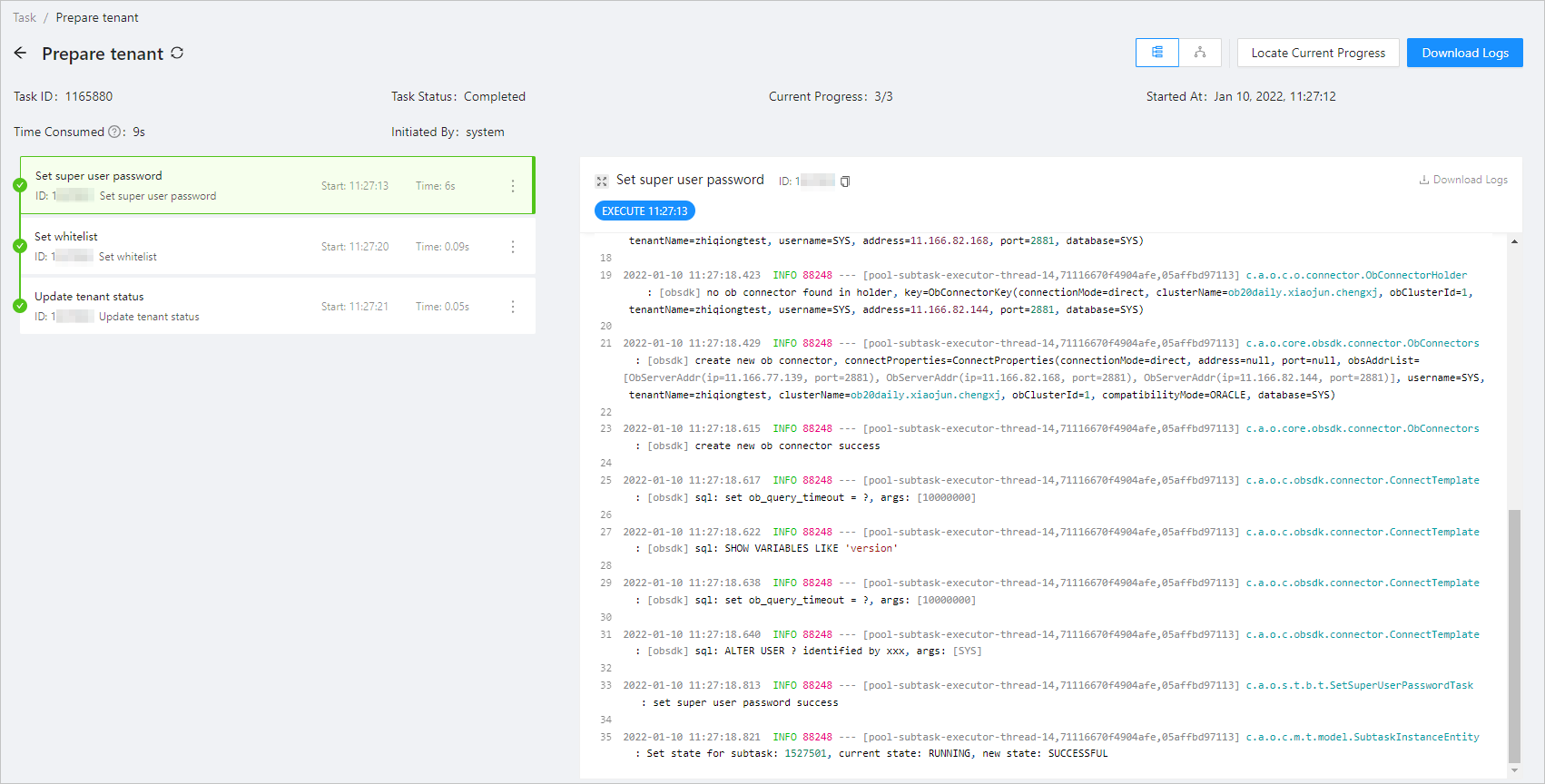
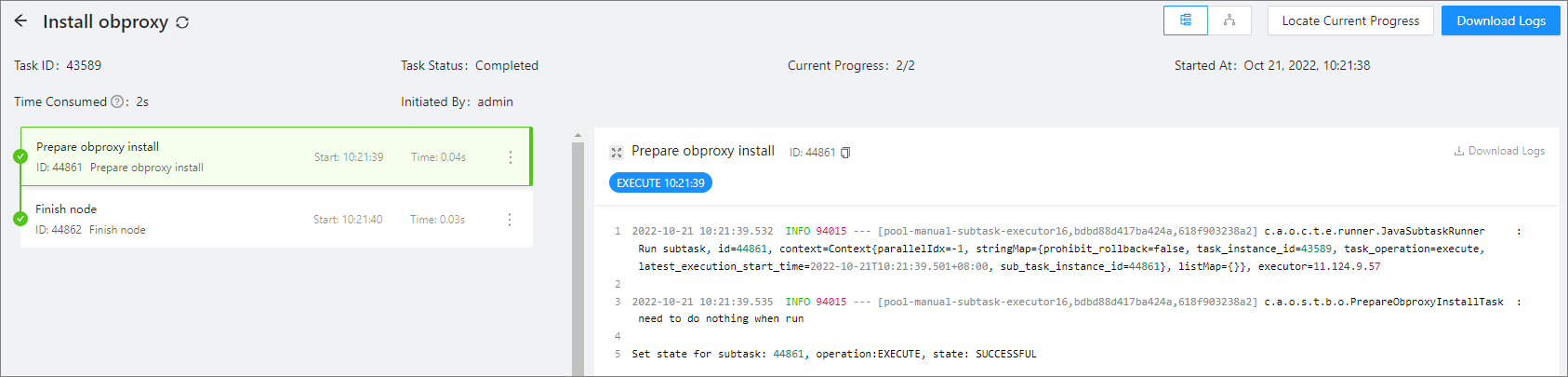
The log view displays the current progress on the left and the detailed information of the progress on the right. Buttons are provided on the right for sub-tasks in the same progress, such as EXECUTE, ROLLBACK, and RETRY. You can click the buttons to view the logs of the corresponding operations.
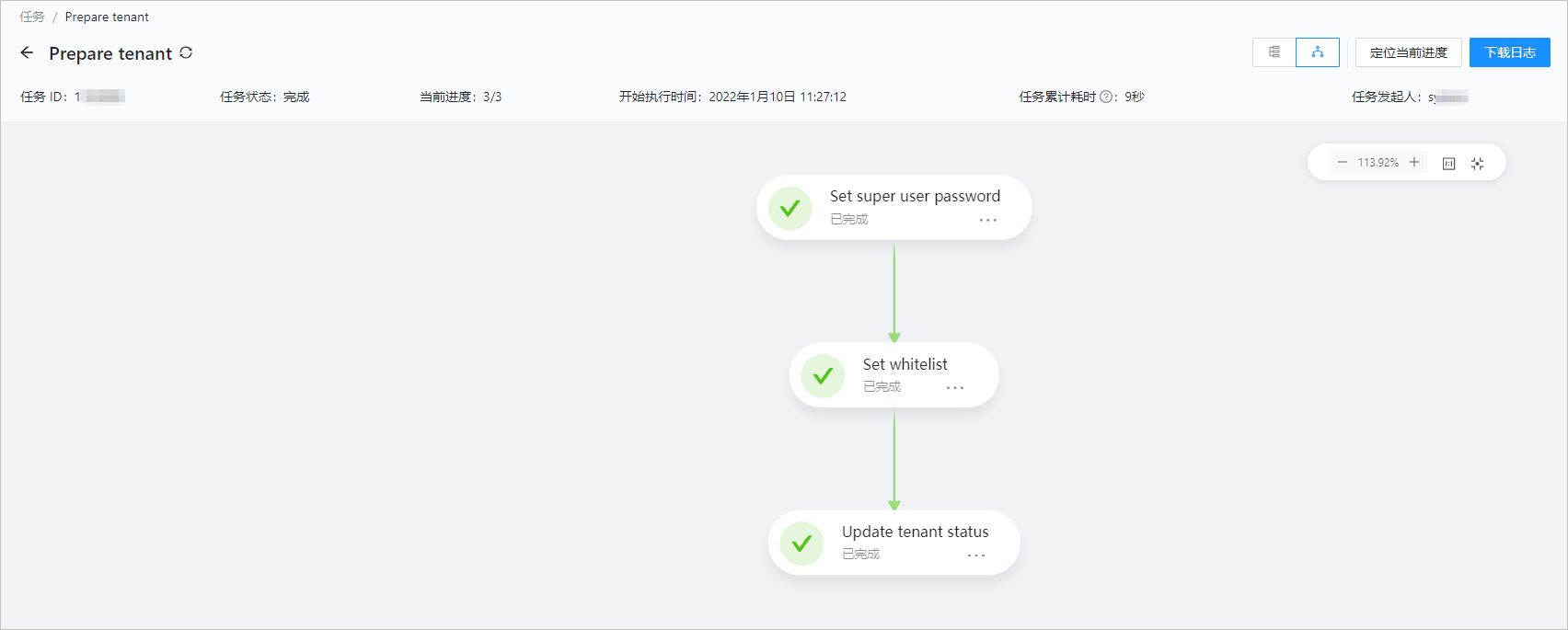
Flow view
The flow view shows the current task progress in a flowchart. You can click the More icon in a block to view detailed logs.