After a cluster upgrade, you must check the cluster status to make sure that the upgrade succeeds.
Background
The GUI of OceanBase Cloud Platform (OCP) may vary with the version. This topic takes OCP V3.1.0 as an example. For OCP of other versions, see User Guide of the corresponding version.
Procedure
Log on to the OCP console.
In the navigation pane, click Clusters. Find the upgraded cluster in the Clusters list and click its name. The Overview page automatically appears.

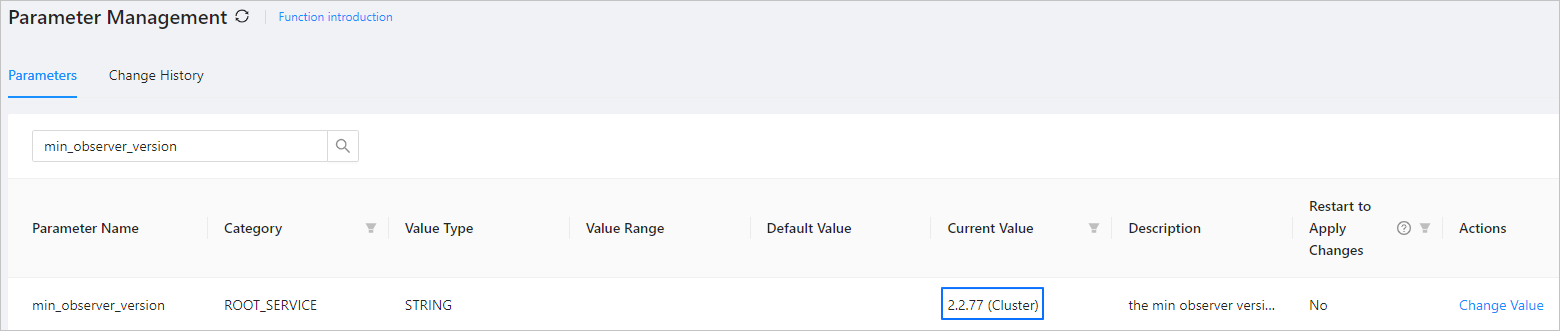
In the left-side navigation pane, click Parameter Management and search for
min_observer_versionin the parameter list. If the Current Value of the parameter is the expected version, the upgrade is successful.