 Updated on 2026-11-20 10:28:59
Adding AI search, recommendations, or an agent to a product means deciding where that data actually lives. The products people call "AI databases" answer that question in different ways, and three approaches represent the main starting points worth knowing: a search extension added to a database you already run, a database built specifically for AI search, and an integrated database built to keep a business's records, retrieval, and AI agent work together in one place.
Why "AI Database" Covers More Than One Kind of Product
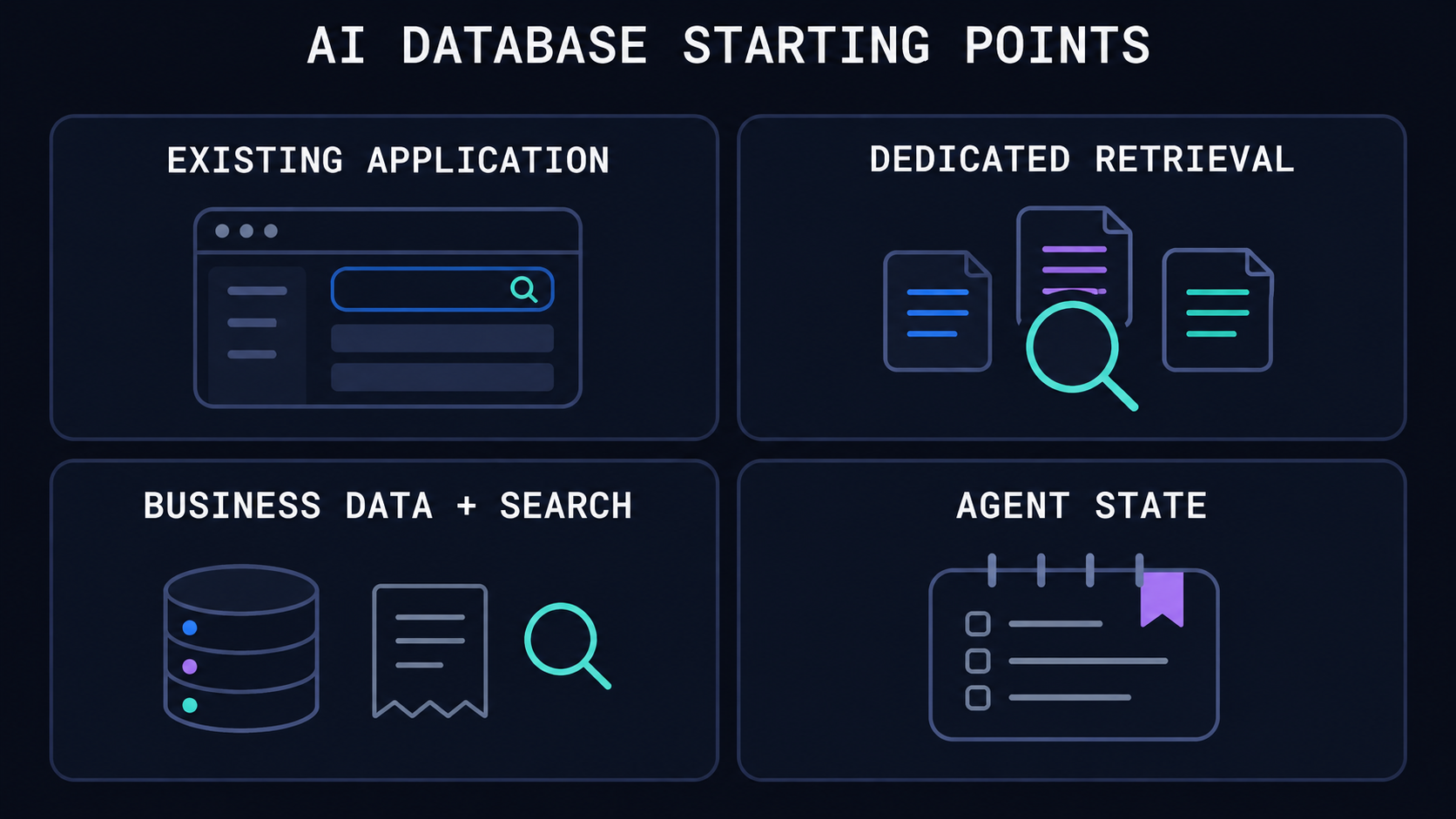
Most AI features need the same raw ingredient: vectors, the numeric representations behind semantic search, recommendations, and chatbots, stored so they can be found again quickly. A retrieval feature bolted onto an existing application, a knowledge base an AI assistant searches before it answers, and an agent that needs to remember what it already tried are different jobs that all use vectors. Even so, they place very different demands on where that data should live and how much it costs to maintain.
A team adding search to an app it already runs usually wants to avoid standing up a new system. A team building a knowledge base or a growing, dedicated search product wants retrieval treated as a first-class part of that product. A team that wants its business records, retrieval, and AI agent work to live together, instead of split across separate relational, search, and vector systems, is looking for something more integrated. These three starting points are common ones, not the only ones, but they map cleanly onto three real approaches worth knowing:
- Adding search to an application you already run: pgvector keeps it inside the Postgres database you operate today.
- Building a dedicated, growing search product: Qdrant is purpose-built for that job.
- Keeping business records, retrieval, and AI agent work together in one database: OceanBase AI Database is built specifically for that combination.
Adding AI Search to a Database You Already Run: pgvector and Qdrant
pgvector is an extension that adds vector search to Postgres. Because the vectors live in regular Postgres tables alongside a business's other columns, an application that already runs on Postgres keeps the transactions, backups, replication, and operational tooling it already relies on. The team does not need to learn a new database just to add AI search.
That matters most for a team whose real investment is already in its Postgres application and its own Postgres operating skills, since it builds directly on what the team has rather than starting a separate system from scratch. pgvector can also support more demanding search workloads on top of that same Postgres database; the tradeoff is that growing search past a single Postgres instance follows whatever scaling approach the team already uses for Postgres, rather than a built-in distributed engine.
Qdrant takes a different starting point: a database purpose-built for vector and hybrid search. It combines semantic similarity with keyword- or filter-based conditions in a single query, so within Qdrant itself a product can ask for results that are both semantically similar and meet an exact condition, such as being in stock or under a price limit.
Qdrant can run in several ways, from a self-managed open-source deployment a team operates entirely itself, to fully managed, hybrid, or private-cloud options that shift more of the day-to-day operating and upgrade work onto the vendor. Which one fits depends on how much of that operating responsibility a team wants to keep in-house. Qdrant suits a team that wants retrieval to be a dedicated, growing, first-class part of the product, whether that product is being built fresh or already runs on another database for its core transactions.
The practical difference between the two is less about which is "better" and more about where the data and the operating responsibility sit. pgvector keeps AI search inside a database the team already operates and already knows, with no new system to run. Qdrant is a separate system built specifically for retrieval, run alongside whatever database handles everyday transactions, with its own range of deployment options to choose between.
Keeping Business Records, Retrieval, and Agent Work Together: OceanBase AI Database
OceanBase AI Database is a separate OceanBase product built specifically for this kind of workload, rather than something every general-purpose OceanBase Database deployment already does. It keeps a business's structured records, text, and vectors inside one database, instead of splitting them across a relational database, a search engine, and a separate vector store that all have to be kept in sync. A retailer, for example, could search its product catalog by meaning and by exact fields such as price or stock in one place, without copying the catalog into a second system and reconciling the two as inventory changes. A support team could combine a knowledge base, a customer's account and ticket history, and an assistant's own working notes in that same database, instead of looking each one up in a different system and joining the results itself. None of this means an application needs nothing else; it reduces, rather than eliminates, the copying and joining work that otherwise comes from keeping similar data in separate systems.
Its search combines meaning-based matching with keyword and ordinary business filters in one query, so the retailer's product search or the support team's knowledge search can ask for results that are relevant, match specific words, and meet a business condition, such as being in stock or belonging to a particular account, all at once. For the support assistant, the same mechanism can pull back the conversations or notes that actually relate to the current ticket, instead of the application running several separate searches and merging the results itself. New information is generally searchable soon after it is saved, though the product also offers an alternative indexing mode that trades a short delay for faster writes, so a team should not assume every write is searchable at exactly the same instant regardless of which mode it uses.
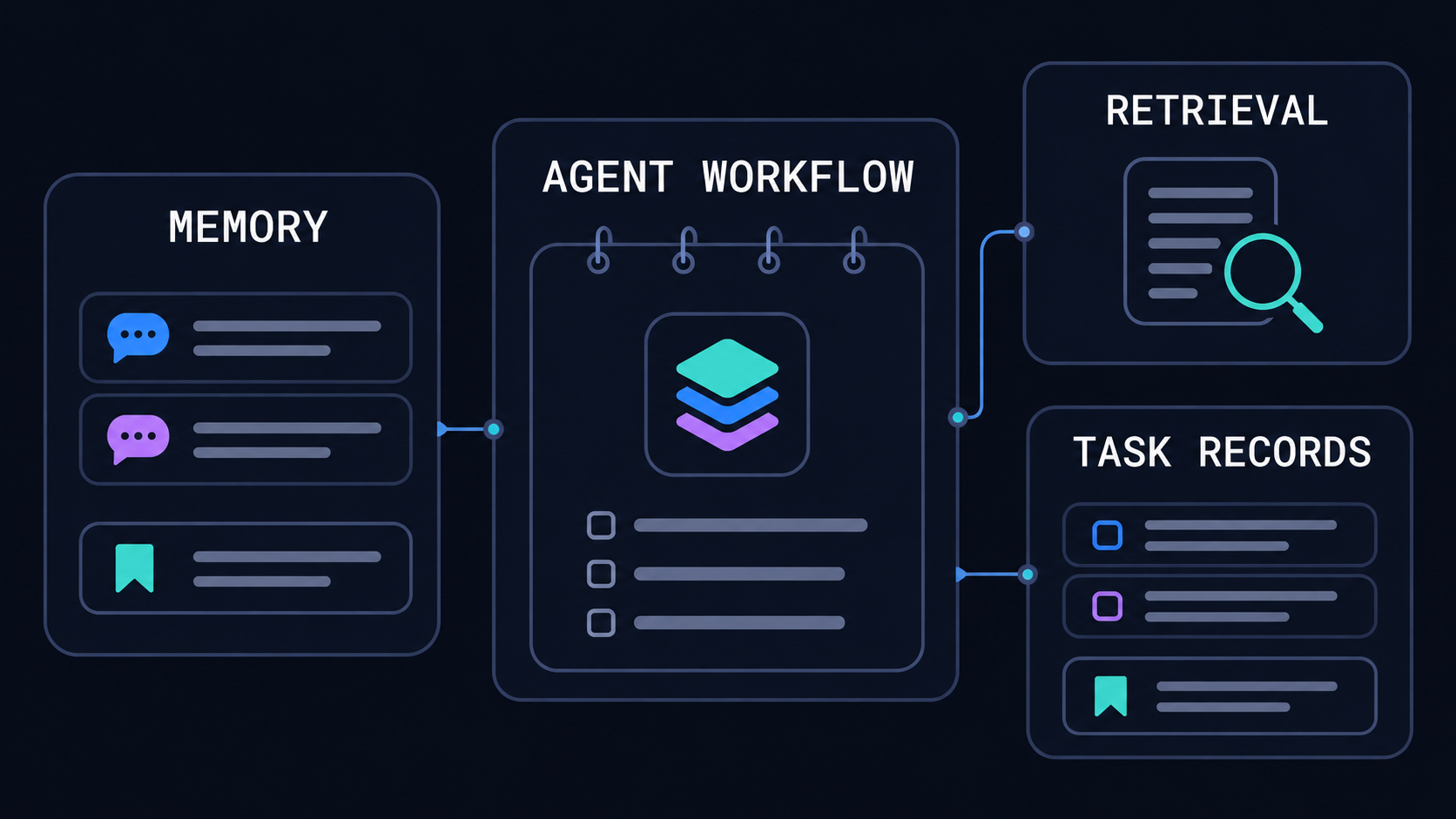
For agent-style work, this also means an agent's short-term task state, its longer-term memory, and the ordinary business facts it needs can sit in the same place, rather than being split across systems the application has to join itself. The database lets a team configure how much data is shared or kept separate between different customers, agents, or applications, so many agents can be managed together without necessarily giving each one its own fully separate setup. That configured separation is a data-management feature inside the database; it does not by itself provide network-level isolation, verify who a user is, or guarantee that access permissions are set correctly for a given case, which remain the team's own responsibility to configure.
OceanBase AI Database also lets a team call AI models, for tasks such as turning text into a searchable vector or re-ranking search results, through the database itself, so the application does not have to separately manage those calls and write the results back on its own. Those models can still run on an external provider's service reached through a registered connection; using them this way does not mean a model runs locally on the database's own machine. This can meaningfully shorten the path from stored data to an AI-generated answer, though a team should still plan its own data-preparation steps, such as deciding how source material is organized before it is loaded in, rather than assuming the database takes care of every step on its own.
OceanBase AI Database also separates how much query-processing power a team runs from how much data it stores, and automatically keeps rarely used data on cheaper storage while keeping frequently used data closer to where queries run. In practical terms, this is meant to let a team scale the part of the system it actually needs more of, such as search capacity during a busy period, without having to also scale or move the data it rarely touches, and without paying the same rate for storage it barely uses.
OceanBase AI Database is worth a closer look for a team whose work already mixes ordinary business data, search, and agent-style tasks, and who would rather keep those together in one place than split them across a relational database, a search engine, and a vector store from the start; it does not require a team to already be running OceanBase Database first.
Matching Your Situation to the Right Starting Point
Your starting point | Candidate worth looking at | Why |
|---|---|---|
| Already running Postgres, adding a retrieval feature without a new system | pgvector | Search lives inside the database you already operate, with the same transactions, backups, and skills |
| Building a dedicated, growing search product, whether new or alongside an existing application | Qdrant | Purpose-built for vector and hybrid search, with a range of deployment options matched to how much infrastructure you want to run yourself |
| Business records, retrieval, and AI agent work need to live together in one database | OceanBase AI Database | A dedicated AI data product that keeps structured data, hybrid search, and agent-oriented data boundaries in one engine |
"AI database" is a label that covers genuinely different kinds of products, and the three covered here are a useful shortlist rather than a complete or mutually exclusive set; a real task can sit close to more than one of them. Starting from the priority that matters most, adding search to what you already run, building a dedicated search product, or keeping business data, search, and agent work together, narrows that shortlist to the candidate most worth evaluating first.