






Symptom
Client ODC fails to be installed or start due to a port conflict.
Possible causes
Check the process that occupies port 8989, kill the process, and then reinstall or restart client ODC. Dynamic ports are used in ODC V2.3.0 and later versions to avoid this problem.
Solutions
In the macOS, run the following command to check the use status of port 8989:
lsof -i tcp:8989In the Windows OS, run the following statement to check the use status of port 8989:
netstat -ano|findstr 8989
ODC V3.2.0 allows you to set custom ports.
On macOS, set environment variables and run the corresponding command to enable the port:
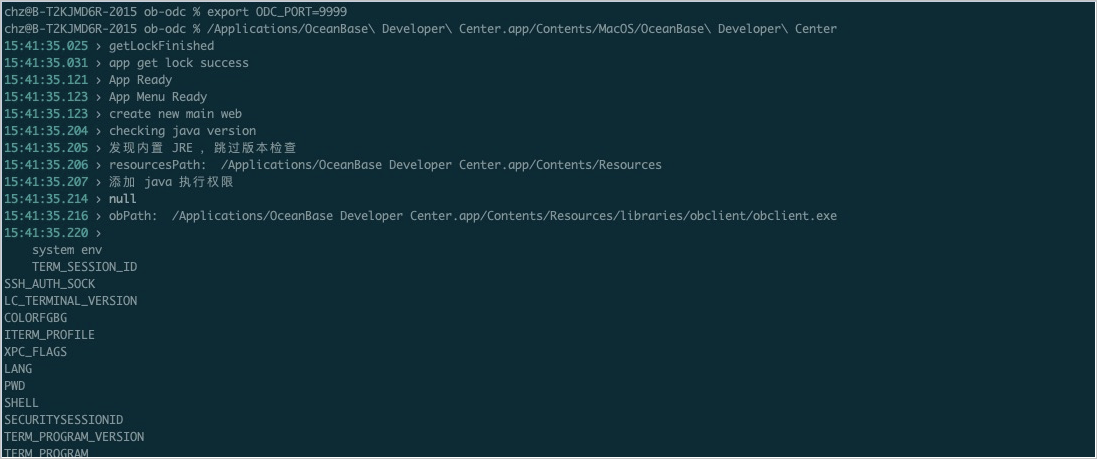

On Windows, set the ODC_MAPPING_PORT parameter to enable the specified port.