






Background information
In a personal development scenario, you can install Client OceanBase Developer Center (ODC), which can run on Windows and macOS. Client ODC provides complete SQL development features but does not provide management or collaboration features. For the requirements on the installation environment of Client ODC, see Limitations.
Install Client ODC
Windows
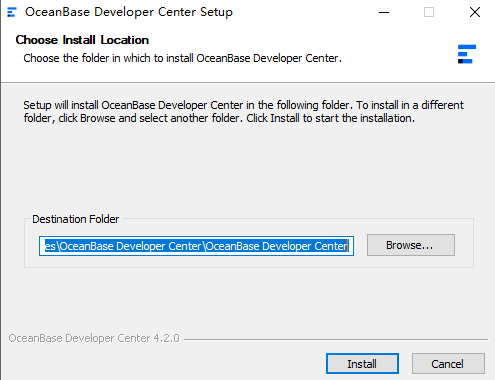
Double-click the installation file to start the installation.
In the installation wizard, select the installation path and click Install.
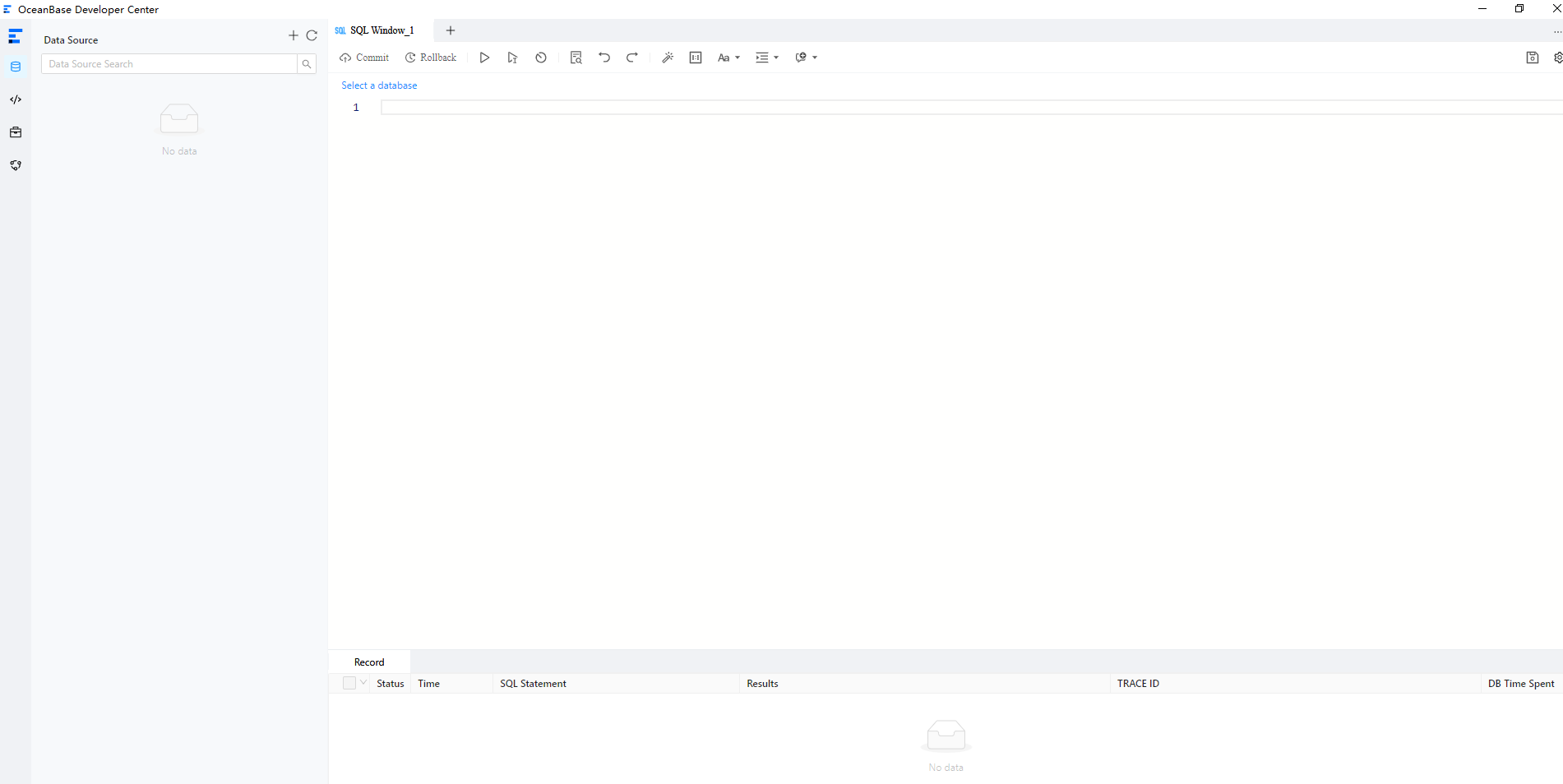
Start Client ODC.
Note
When you start Client ODC, it will check the environment. If the environment does not meet the requirements, it displays an error message, asking you whether to continue or to end the process to fix the issues related to the environment. If the environment meets the requirements, Client ODC is started properly. Then, you can create a data source in ODC.
macOS
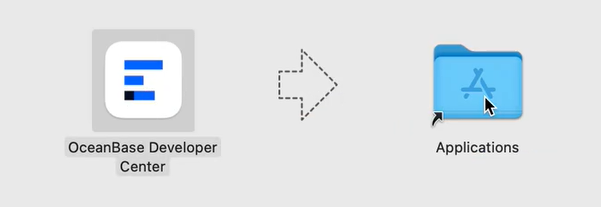
Drag OceanBase Developer Center to Applications.
Start Client ODC.
Note
When you start Client ODC, it will check the environment. If the environment does not meet the requirements, it displays an error message, asking you whether to continue or to end the process to fix the issues related to the environment. If the environment meets the requirements, Client ODC is started properly. Then, you can create a data source in ODC.