This topic describes how to configure unified scheduling rules for objects managed by OCP. If you need to configure personalized scheduling rules based on object characteristics, see Configure scheduling rules for an object.
Background information
After you configure global scheduling rules, OCP performs periodic inspections on OceanBase clusters, OceanBase tenants, and OBProxy clusters managed by OCP based on the rules. For more information, see Inspection feature.
Prerequisites
Make sure that the user who logs in to OCP has the following permissions:
- Cluster Maintenance or Tenant Maintenance resource permissions.
- The Inspection Service menu permission under O&M Management.
Procedure
Log in to the OCP console.
In the left-side navigation pane, choose O&M Management > Inspection Service.
The Inspection List page automatically appears.
Click Configure Global Scheduling Rules in the upper-right corner to go to the Configure Global Scheduling Rules page.
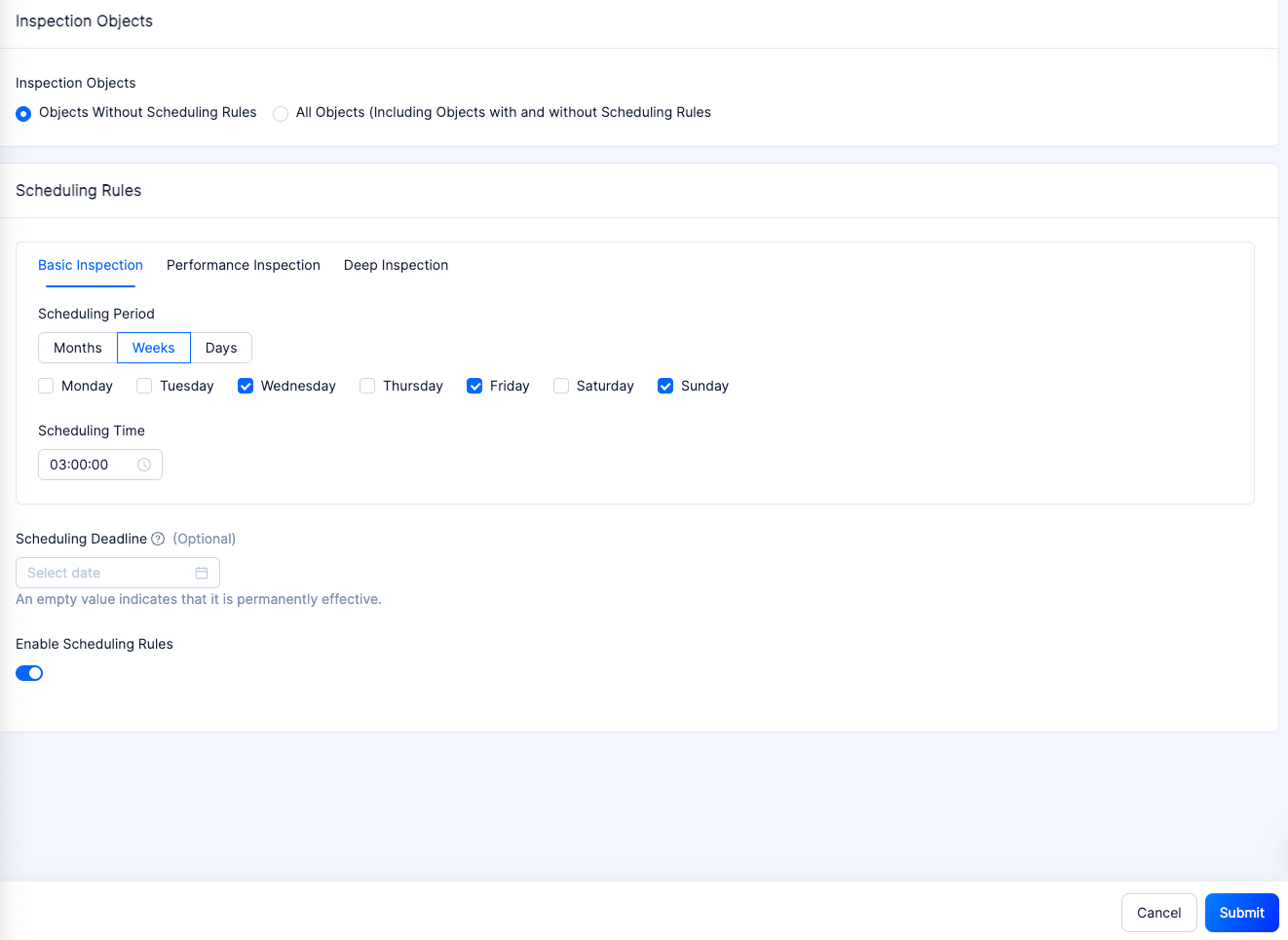
Select the Inspection Objects for which the scheduling rule applies.
You can configure scheduling rules for Objects Without Scheduling Rules and All Objects (which includes objects without scheduling rules and those with existing scheduling rules).
- Objects Without Scheduling Rules: Configure scheduling rules only for objects without personalized scheduling rules. Objects with existing scheduling rules will continue to be inspected based on the existing rules.
- All Objects: Reconfigure scheduling rules for all objects. If you choose to configure scheduling rules for All Objects, the new scheduling rules will override any personalized scheduling rules already in place for the inspection objects.
On the Configure Scheduling Rules page, configure the scheduling period and time for different inspection scenarios, and set the scheduling deadline and whether to enable the scheduling rule.
Note
You must configure the scheduling period and time for at least one inspection scenario.Click Submit.