







This topic describes how to upload a software package.
Procedure
In the left-side navigation pane, choose System Management > Packages .
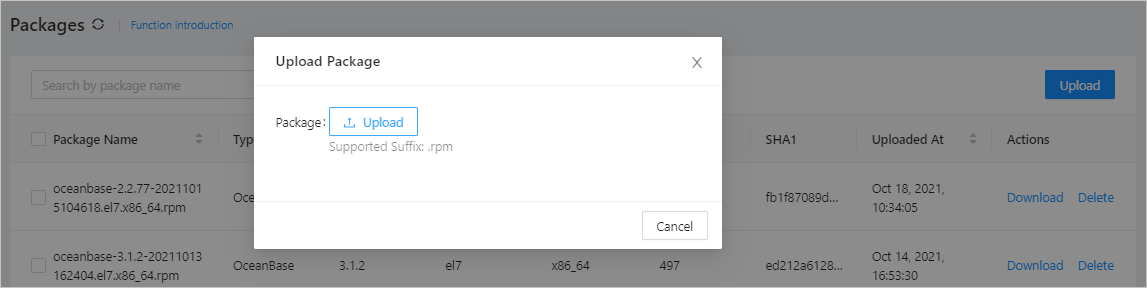
Click Upload . In the dialog box that appears, click Upload . Select the software package to upload from the local storage, and then click OK .
Notice
You can upload an installation package in the .rpm format, for example, an OceanBase installation package, an OCP Agent installation package, an OBProxy installation package, and a backup and recovery installation package.
After the installation is completed, you can view the information of the software package in the package list.