







OceanBase Migration Service (OMS) allows you to modify parameters of a data source. This topic describes how to edit a data source.
Procedure
Log on to the OMS console.
In the left-side navigation pane, click Data Source Management .
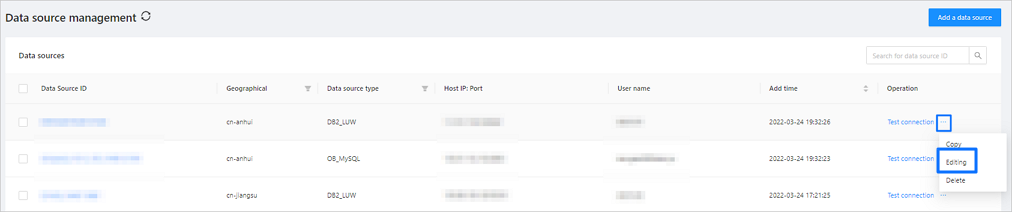
On the Data Sources page, click the More icon next to the data source that you want to copy, and then click Edit from the drop-down list.
If your business system is deployed in multiple regions, you can use the Region column to filter and edit data sources in a specific region.
In the Edit Data Source dialog box, change the values of parameters as needed.
For more information, see the corresponding procedure for creating a data source of the same terminal type.
Click Test Connection to test the network connection between OMS and the source database.
After the connection test succeeds, click Save .