







This topic describes how to modify the expiration time of a filter keyword, for example, when you need to extend its validity period.
Prerequisites
You have added a filter keyword. For more information, see Add a filter keyword.
Procedure
Log on to the OceanBase Cloud Platform (OCP) console.
In the left-side navigation pane, choose System Management > Alerts .
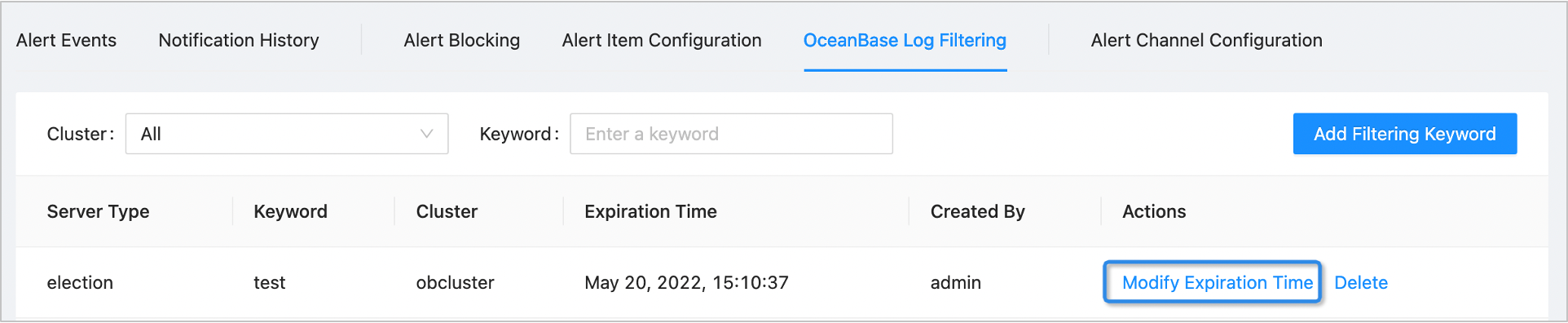
On the OceanBase Log Filtering tab, specify the search criteria. The system returns the filter configurations that meet the search criteria.
Find the target filtering configuration and click Modify Expiration Time in the corresponding Actions column.
After you modify Expiration Time , click OK .