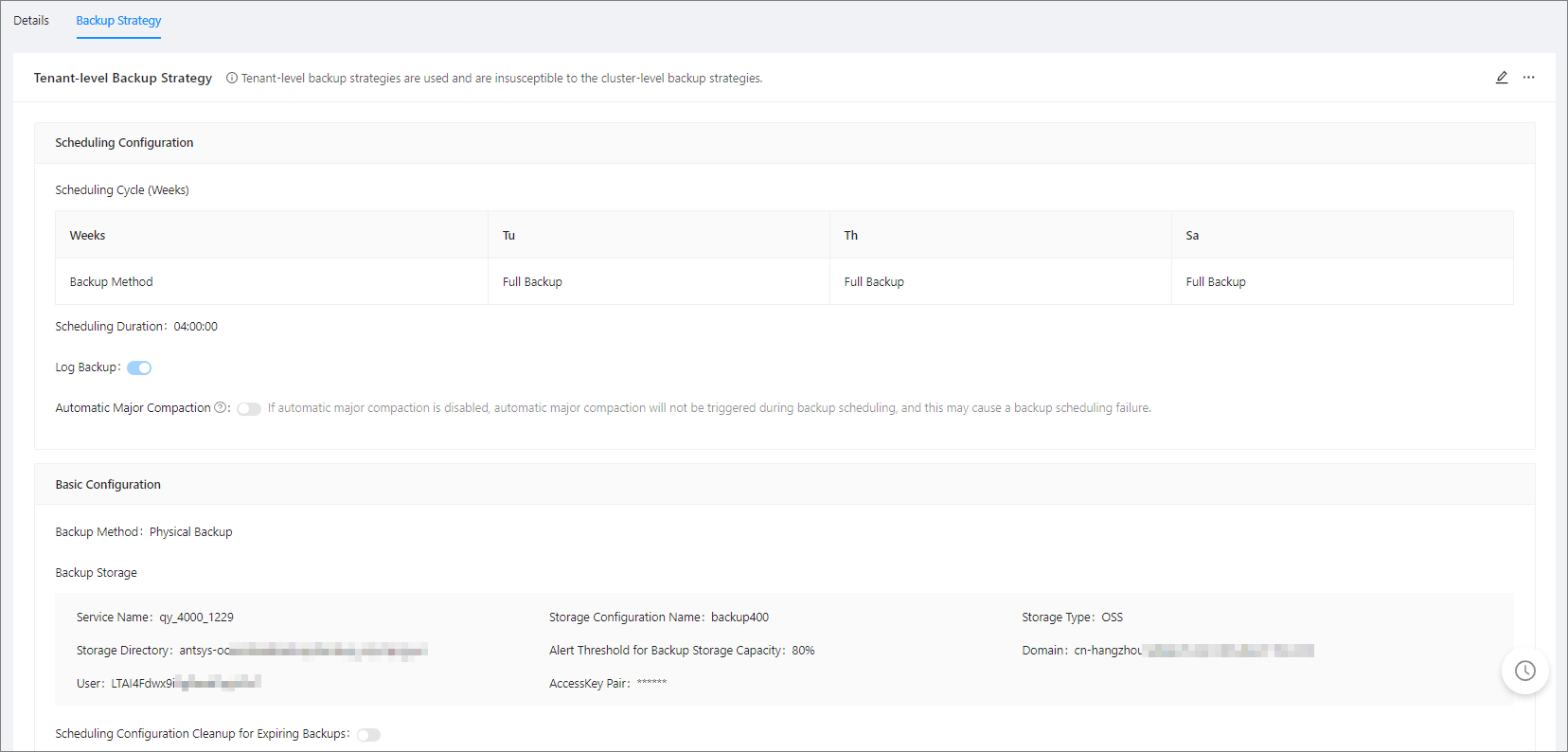
This section introduces you how to view the detailed configuration of the tenant-level backup strategy.
Prerequisites
Make sure that you have the following permissions:
- Resource Permissions: Cluster Read-only or Tenant Read-only permission
- Menu Permissions: Permission on the Backup & Recovery menu of Tenants
Procedure
In the left-side navigation pane, click Tenants to go to the Tenant Overview page.
Find the target tenant in the Tenants list, and click its name. In the left-side navigation pane of the Tenant Overview page, click Backup and Recovery.
Click the Backup Strategy tab to view the details of the backup strategy.