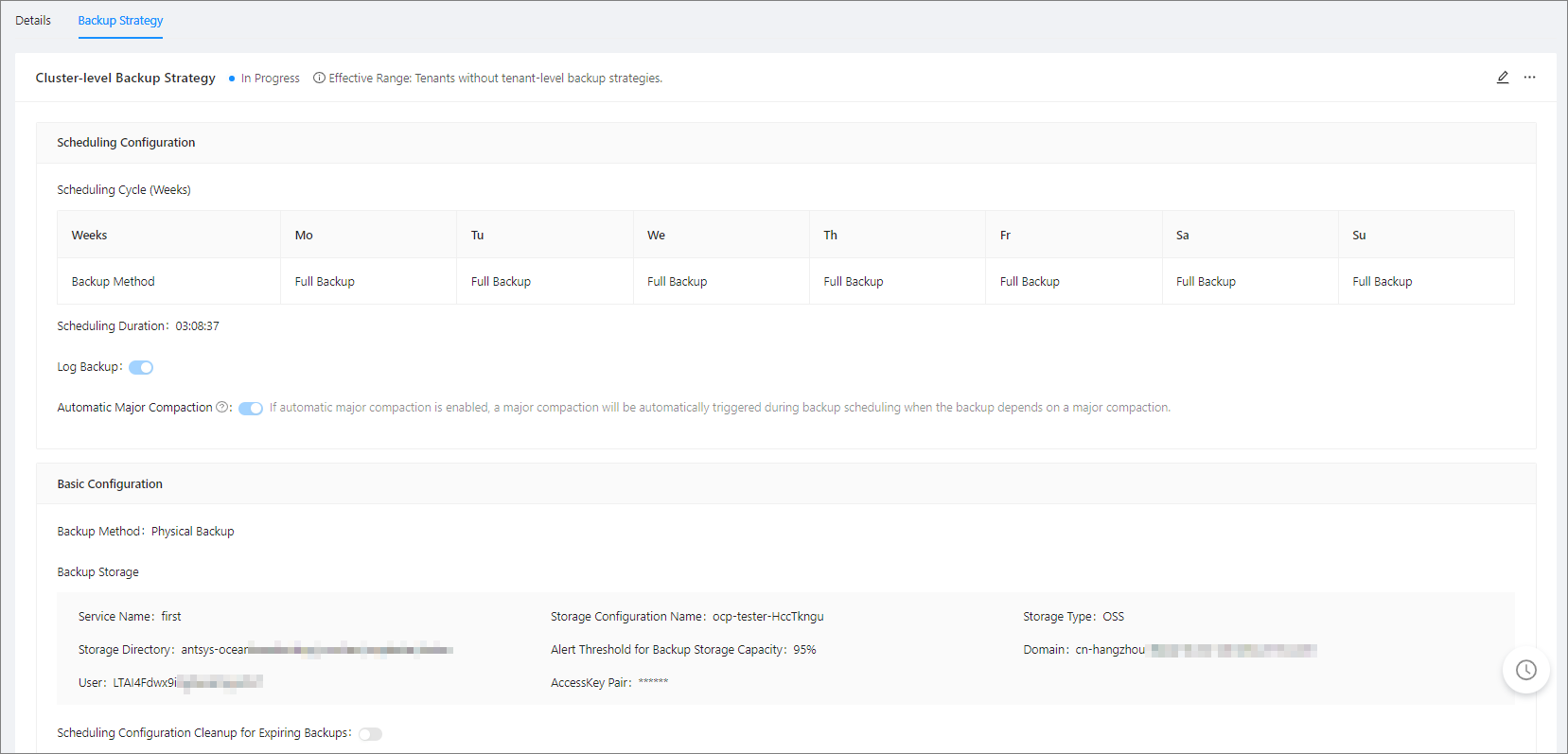
This topic describes how to delete a cluster-level backup strategy.
You can delete a cluster-level backup strategy by using one of the following methods.
Method 1:
Log on to the OceanBase Cloud Platform (OCP) console.
To go to the Clusters Overview page. In the left-side navigation pane, click Backup & Recovery.
Click the Backup Strategy tab.
Method 2:
Log on to the OceanBase Cloud Platform (OCP) console.
To go to the Clusters Overview page. In the left-side navigation pane, click Backup & Recovery.
Click ... in the upper-right corner of the page and choose Delete Cluster-level Backup Strategy from the drop-down list.
Prerequisites
- Make sure that you have the following permissions:
- Resource Permissions: Cluster Maintenance permission
- Menu Permissions: Permission on the Backup & Recovery menu of Clusters
- The cluster has created a backup strategy.
Procedure
The following takes Method 1 as an example.
Log on to the OceanBase Cloud Platform (OCP) console.
In the left-side navigation pane, click Clusters to go to the Clusters Overview page.
In the left-side navigation pane, click Backup & Recovery.
Click the Backup Strategy tab.
Click Delete in the upper-right corner of the Cluster Backup Strategy section to modify the backup strategy.