







This topic describes how to delete a user under an Oracle tenant.
Applicability
This topic applies only to OceanBase Cloud Platform Enterprise Edition. OceanBase Cloud Platform Community Edition provides only the MySQL tenants.
Prerequisites
- Make sure that you have the following permissions:
- Resource Permissions: Cluster Maintenance or Tenant Maintenance permission
- Menu Permissions: Permission on the User Management menu of Tenants
- Only the primary tenant has the permission to delete a user under an Oracle tenant.
- The system default users cannot be deleted.
Procedure
Log on to the OceanBase Cloud Platform (OCP) console. In the left-side navigation pane, click Tenants . The Tenant Overview page appears.
In the Tenants section, find the target tenant and click its name.The details page of the Oracle tenant appears.
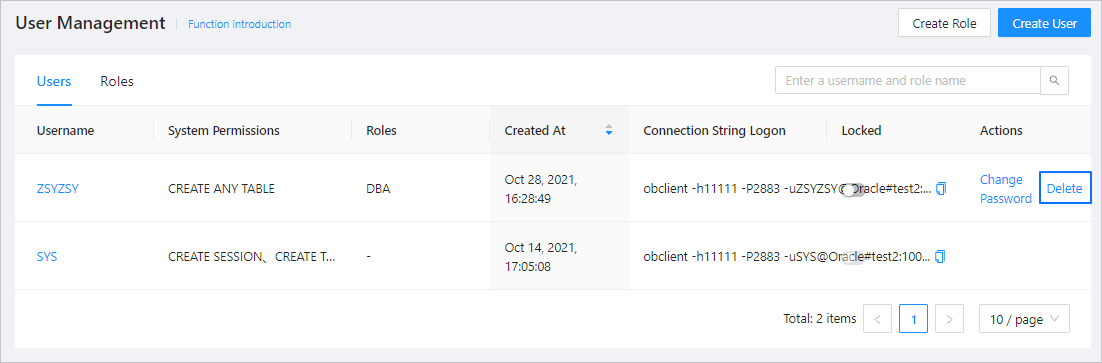
In the left-side navigation pane, click User Management .
Find the target user, and click Delete in the Actions column.
In the dialog box that appears, enter the word delete .
Click Delete .