







In OCP, system parameters are generally used to configure features, such as account logon and backup and recovery. This topic describes how to view and modify system parameters.
Prerequisites
Make sure that you have the following permissions:
- Resource Permissions: Cluster Read-only, Tenant Read-only, OBProxy Read-only, Arbitration Service Read-only, Binlog Service Read-only, or Host Read-only permission
- Menu Permissions: Permission on the System Parameters menu of System Management
Procedure
Log on to the OCP console.
In the left-side navigation pane, choose System Management > System Parameters.
By default, the Parameters list displays all the modifiable parameters.
You can use the page control in the lower-right corner of the list to go to another page or change the number of parameters displayed on a page.
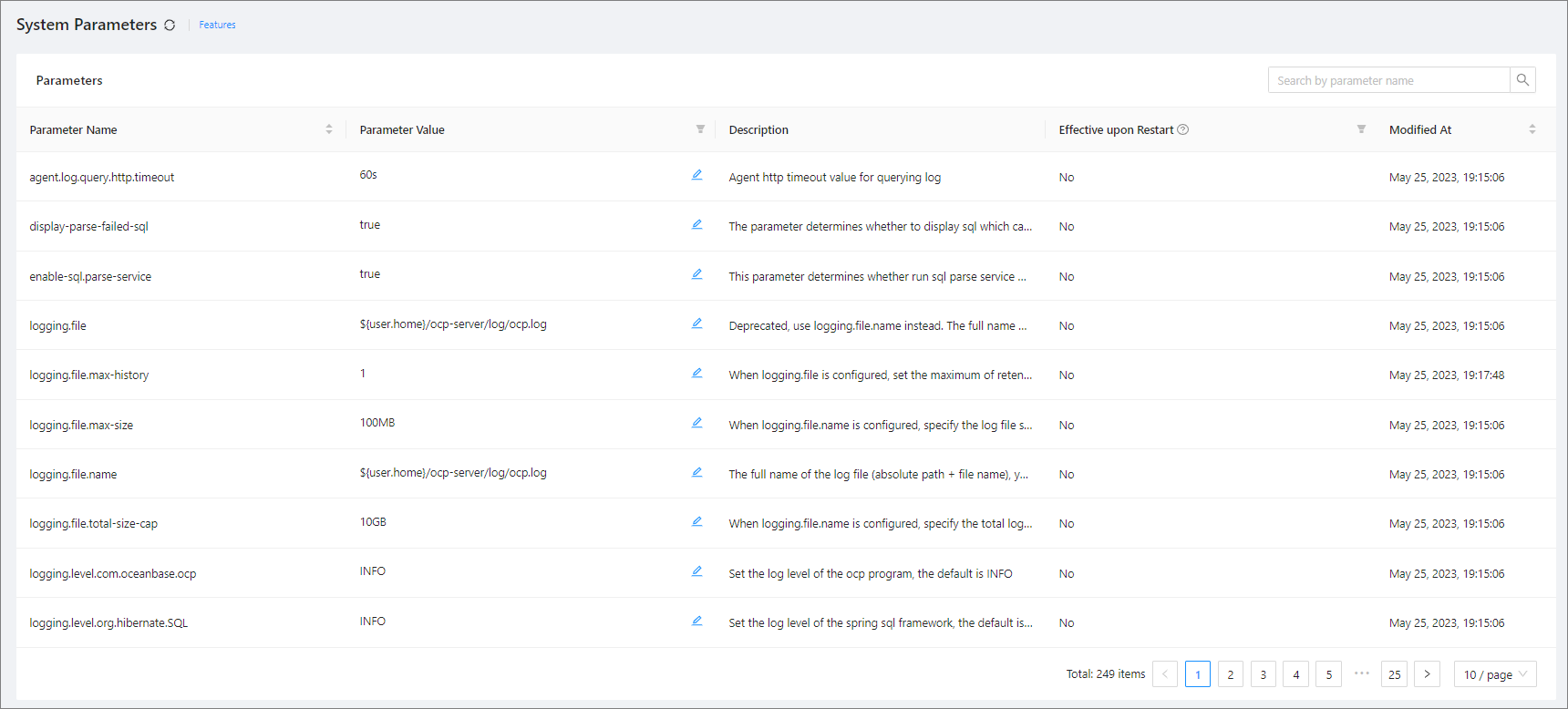
Enter a keyword in the search box in the upper-right corner of the Parameters list and click Search.
The system parameters whose names match the keyword are displayed in the Parameters list.