






After you deploy OceanBase Cloud Platform (OCP), you can log on to the OCP console from its access address.
Prerequisite
You have obtained the OCP logon account and password from the administrator.
Procedure
Enter the OCP access URL in the address bar of your browser and press the Enter key.
OCP access URL: The access URL of the OCP application server (single-node deployment) or the OCP cluster.
Enter the OCP username and password on the logon page.
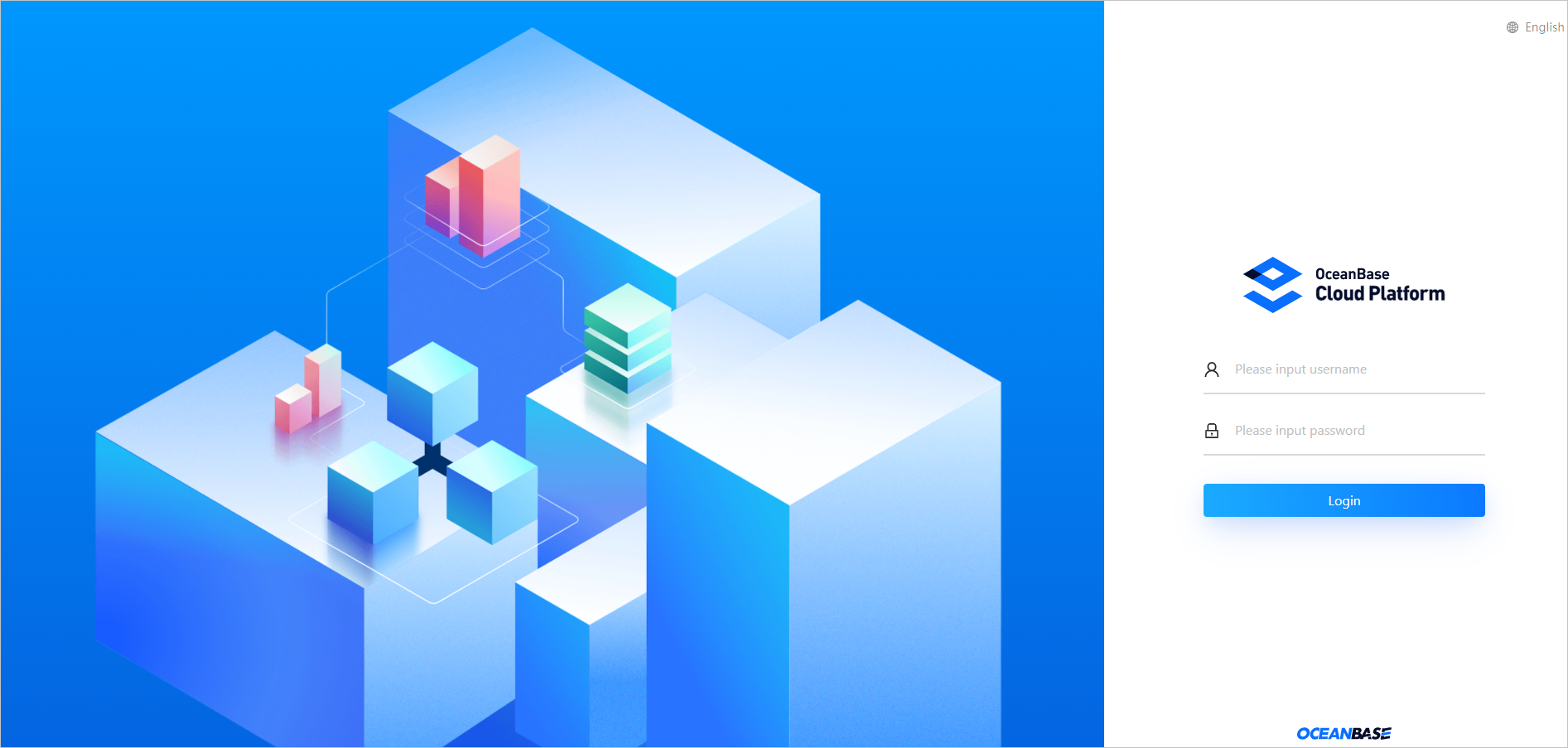 If the username or password you entered is incorrect, an error message appears, indicating the remaining logon attempts allowed and that the username or password is incorrect. If the number of failed attempts exceeds the limit, the system locks the IP address of the client from which you made the failed attempts. Try again after 10 minutes. If you still cannot log on after 10 minutes, contact the administrator.
If you do not take any action for 30 minutes after logon, OCP automatically logs you off.
Click Log On .
We recommend that you go to Personal Center to change your password upon your first logon and keep your new password safe. For more information about operations in Personal Center, see Personal Center .
Note
The OCP console does not support password retrieval.
If you forget the logon password of the admin user, contact OceanBase Technical Support for help.
If you forget the password of other users, log on the OCP console as the administrator to reset the user password. For more information, see Change the logon password.
In multi-cluster deployment, when you log on to a follower OCP cluster for the first time, you need to register the follower cluster with the leader cluster. For more information, see Register an OCP cluster.
Subsequent operations
In the upper-right corner of the OCP console, click the username and choose Log Off . For more information, see Log off the OCP console.