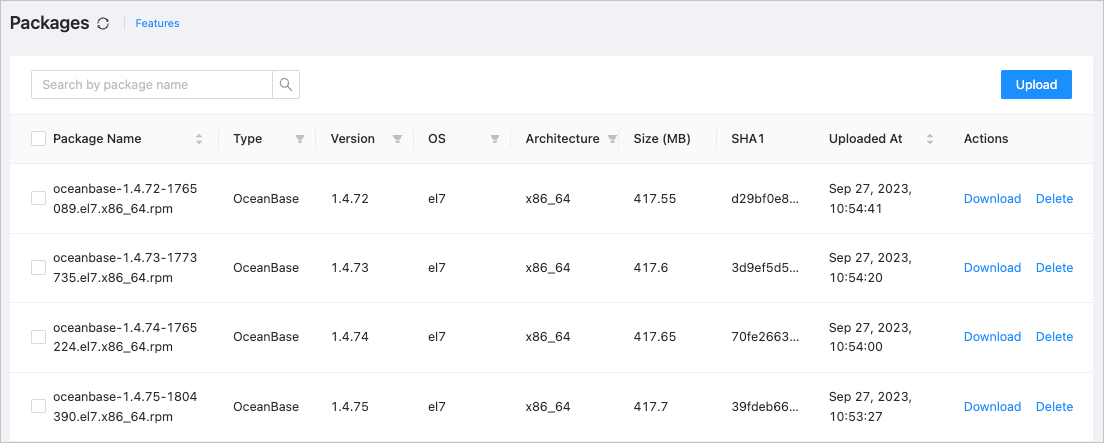
After upgrading OceanBase Cloud Platform (OCP), you must log on to the OCP console to verify whether the software package feature is working properly.
Procedure
Log on to the OCP console by using the admin account.
In the left-side navigation pane, choose System Management > System Package Management. Check whether the software package information is properly displayed on the Packages page.