







This topic describes how to add a node (host) to an installed service. After you add data nodes, data will be backed up to multiple hosts.
Prerequisites
You have installed a backup or recovery service. For more information, see Install a service.
You have added the node to OceanBase Cloud Platform (OCP). For more information, see Add a host.
Procedure
In the left-side navigation pane, choose Backup & Recovery > Service .
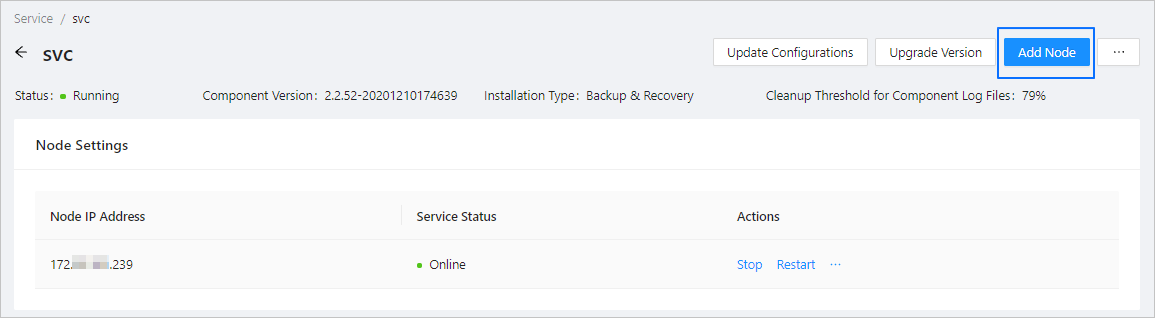
Find the service to add a node to, click Add Node in the Actions column.
The Add Node dialog box appears.
Click the Select a host field and select the host (node) to add.
Click OK .