







After you log on to Web OceanBase Developer Center (ODC), you can click the username in the upper-right corner of the top navigation bar, and select Change Password from the drop-down list.

In the Change Password dialog box, specify the following fields to change the password:
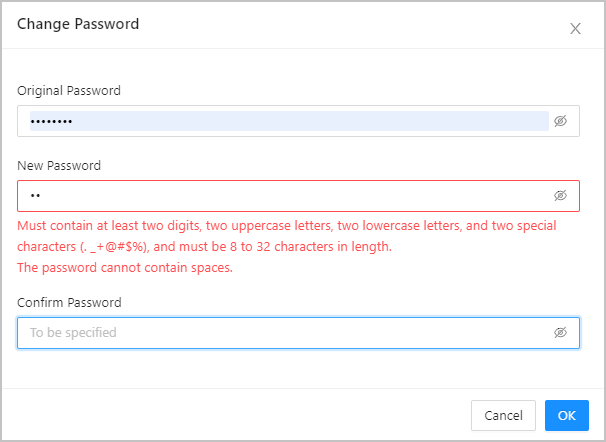
Original Password : enter the original password of the account.
New Password : set a new password.
Confirm Password : enter the new password again for verification.
After you specify the preceding fields, click OK .
Change the password
Share
Previous topic