This topic describes how to uninstall OceanBase Cloud Platform (OCP) Enterprise Edition on the GUI of OceanBase Admin Toolkit (OAT).
Prerequisites
You have installed OAT and logged on as either a super administrator or an O&M engineer. For information about how to install OAT, see Install OAT.
Procedure
Log on to OAT.
In the left-side navigation pane, choose Product Service > Products.
Find the target OCP and click its name in the Name column.
You can also search for the OCP by name at the top of the page.
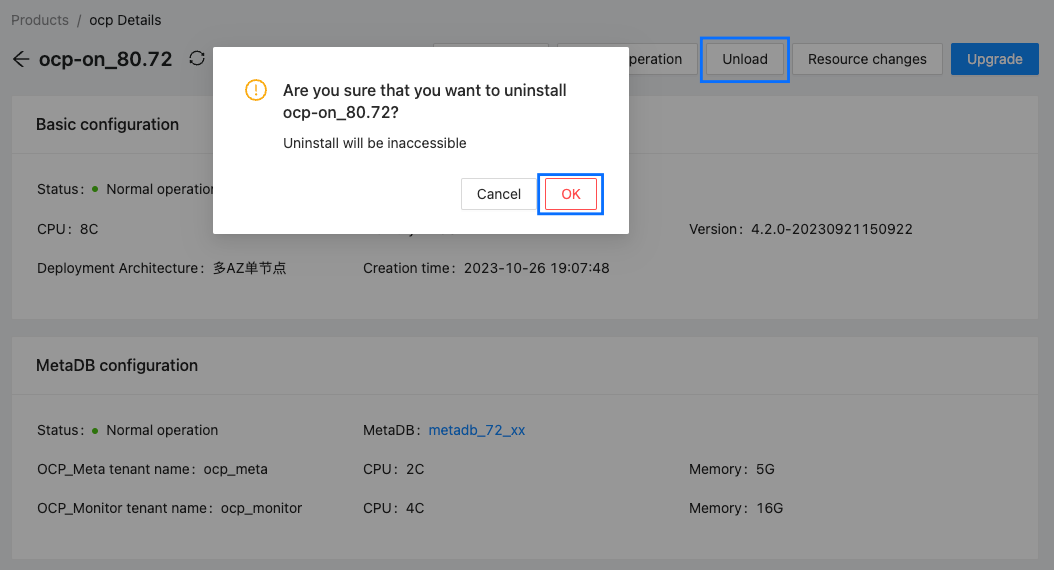
In the upper-right corner of the OCP details page, click Unload.
In the dialog box that appears, click OK.