You can delete a custom alert channel as an administrator based on your needs.
Prerequisites
The logged-on user has administrator permissions.
You have created an alert channel. For more information, see Create an alert channel.
Procedure
Log on to the OceanBase Cloud Platform (OCP) console.
In the left-side navigation pane, click Alert Center.
Click the Alert Channels tab.
On the Alert Channels tab, find the target alert channel and click Delete in the Actions column.

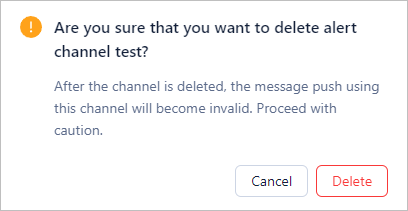
In the dialog box that appears, click Delete.
Notice
A deleted channel cannot be recovered. Proceed with caution.