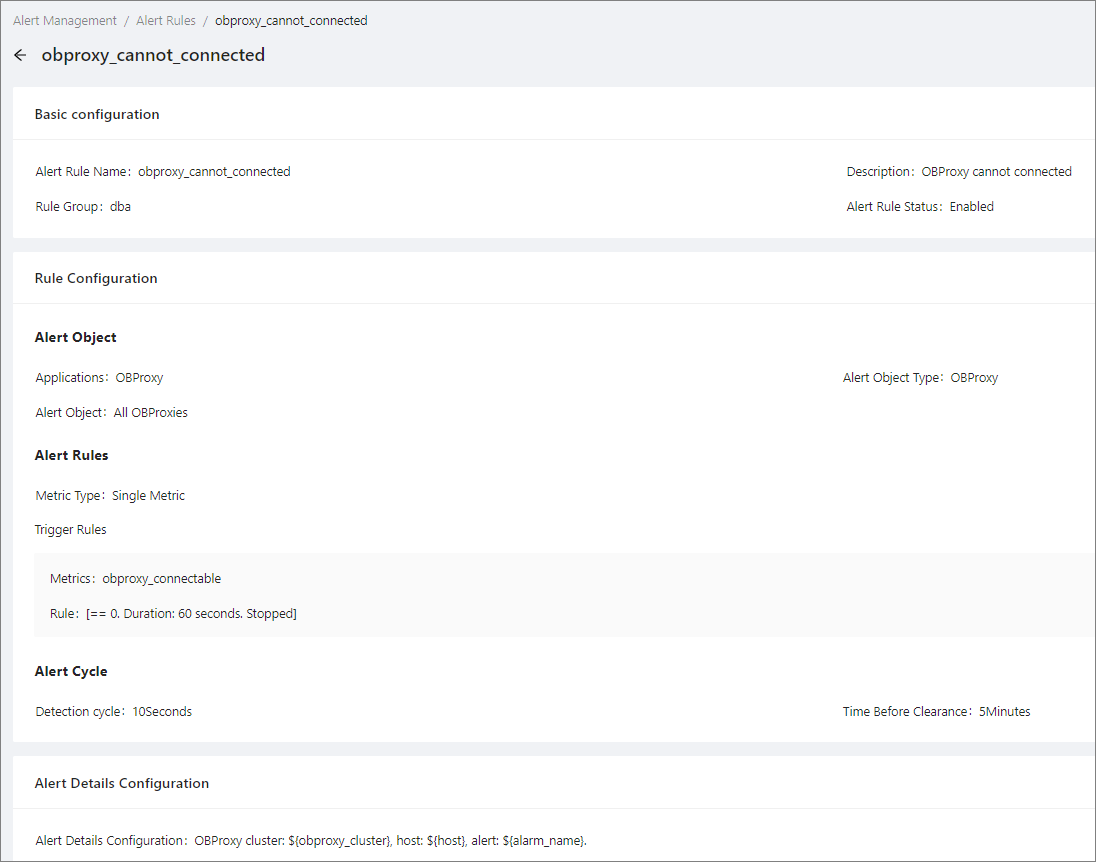
This topic describes how to view an alert rule.
Prerequisites
The logged-on user in the OceanBase Cloud Platform (OCP) console is granted the ADMIN or ALARM_VIEWER role.
Procedure
Log on to the OCP console.
In the left-side navigation pane, click Alert Center.
Click the Alert Rules tab.
On the Alert Rules tab, specify search criteria in the search area to search for alert rules. Exact match is supported. The alert rules that match the search criteria will be displayed.

Click the name of an alert rule to view its details.